
Blog
Guide
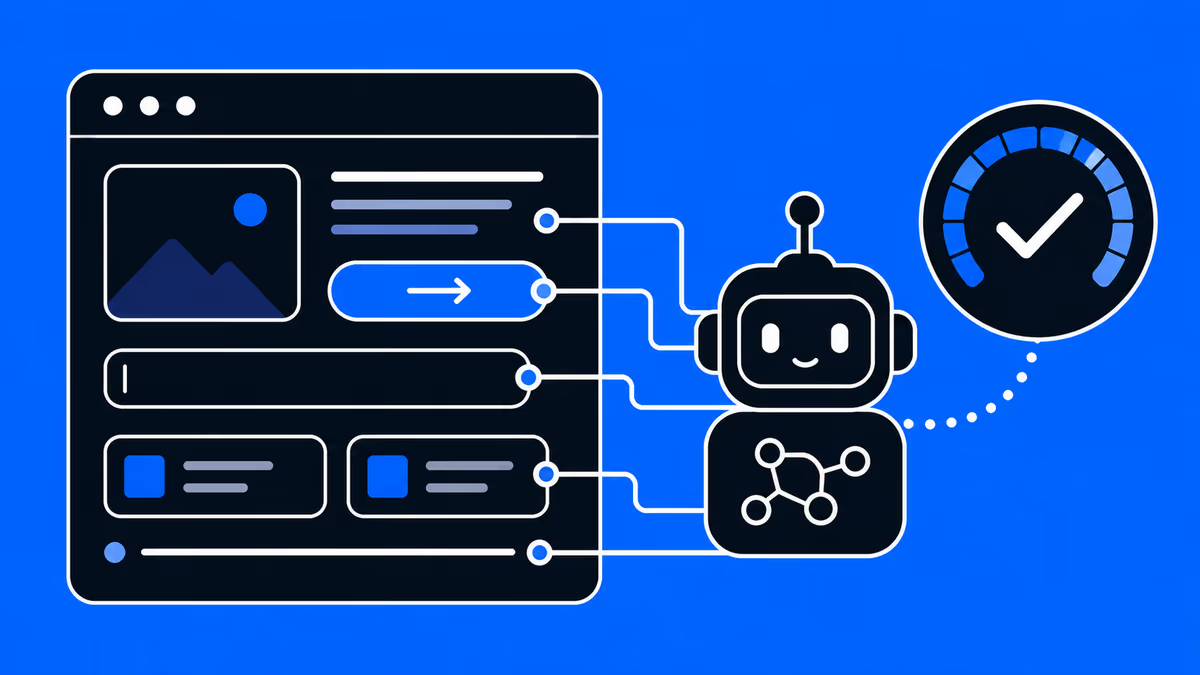 AI & Search Visibility
 Google Now Scores Whether AI Agents Can Use Your Website — Here's What Agentic Browsing Checks
PageSpeed Insights now scores whether AI agents can use your site. What the four Agentic Browsing audits (llms.txt, accessibility tree, WebMCP, CLS) check, plus a 60-second self-check. From Supasaito, home of the AI Visibility Diagnostic.
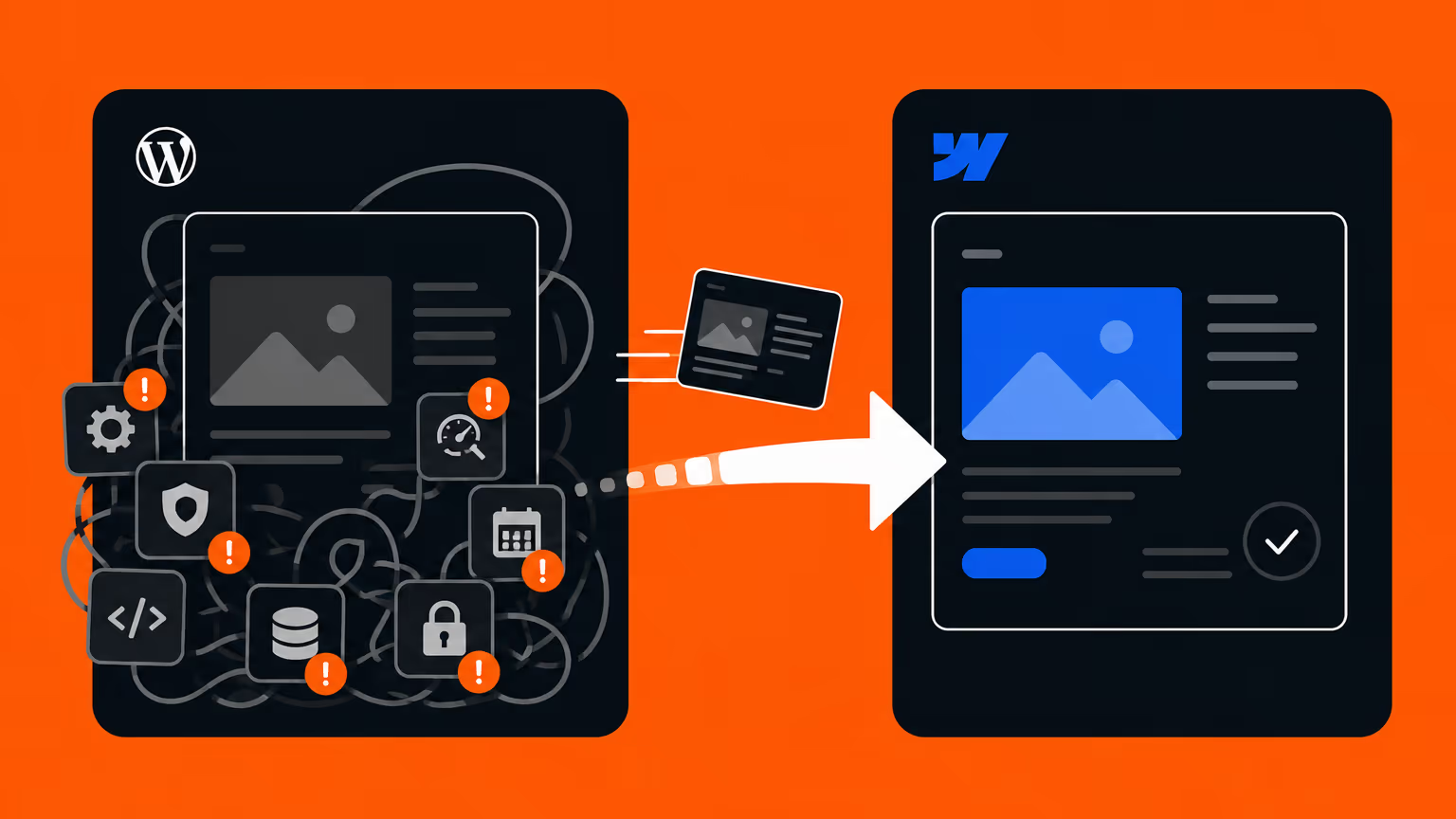 Webflow & Development
 Should You Migrate from WordPress to Webflow? (2026 Guide) — When to Switch, Costs, and How to Do It Right
Should your company migrate from WordPress to Webflow? An honest decision guide covering maintenance costs, security, in-house management, and SEO — when migration makes sense, when to stay on WordPress, and how to migrate without losing rankings. By Japan's first official Webflow Enterprise Partner.
 AI & Search Visibility
 Why ChatGPT Recommends Your Competitors — and How to Fix It
You asked ChatGPT about your category and got your competitors. Here are the 5 reasons AI leaves your brand out — and how to fix each one, with a 15-minute self-check. From Supasaito, who run an AI Visibility Diagnostic (¥300K).
 AI & Search Visibility
 7 Best LLMO / AI Search Optimization Agencies in Japan (2026)
How to choose an LLMO / AIO agency — judged on measurement, implementation, pricing transparency and track record. Six leading Japanese firms compared on public data, from a team that implements AI visibility, not just measures it. By Supasaito (AI Visibility Diagnostic ¥300K).
 AI & Search Visibility
 How Much Does LLMO / AI Search Optimization Cost in Japan? (2026)
What LLMO / AIO optimization actually costs in Japan in 2026, based on public pricing. A one-off diagnostic runs ¥100K–500K; monthly consulting sits at ¥150K–800K. The price breakdown, how to choose, and what to check before you buy — from Supasaito.
 AI & Search Visibility
 The Complete LLMO Playbook: 12 Steps You Can Do In-House
How to do LLMO / AI search optimization — split into 12 steps you can run in-house and the areas worth outsourcing, across four layers: structure, content, off-site signals, measurement. From Supasaito, who run an AI Visibility Diagnostic (¥300K).
 AI & Search Visibility
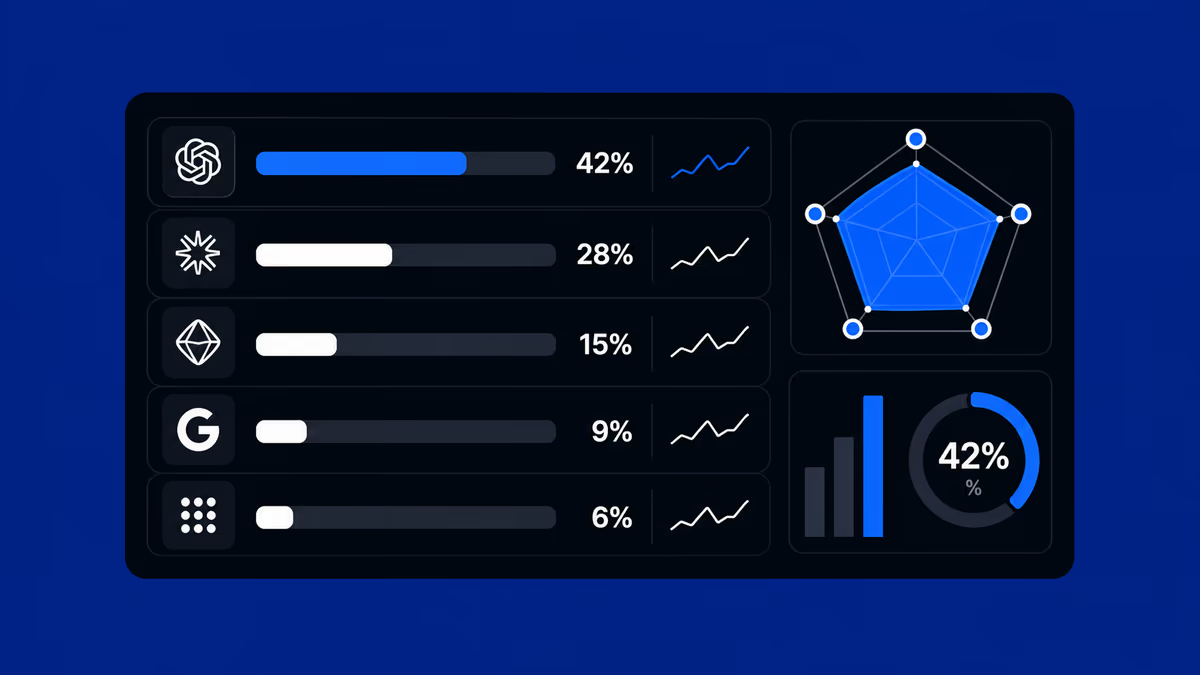
 How to Measure AI Visibility: The 5-Axis Framework for LLMO Results
How to measure AI visibility (share of voice) with a 5-axis framework for LLMO results. Why SEO KPIs don't transfer, how to build a prompt panel, and what a monthly report should contain. From Supasaito, who run an AI Visibility Diagnostic (¥300K).
 Webflow & Development
 Webflow vs STUDIO (2026): Which Should You Build Your Company Site On?
Webflow or STUDIO for your company website? We compare code ownership, scalability, multilingual reach, SEO, pricing and Japanese support from a business perspective — written by Supasaito, Japan's first official Webflow Enterprise Partner — with a scenario-based guide to choosing.
 Conversion (CRO)
 How to Improve B2B Website & Landing Page Conversion Rates: Choosing the Right Partner
How to improve B2B website and landing page conversion rates: a practical guide to CRO, choosing a data-driven development partner, and a vendor checklist.
 AI & Search Visibility
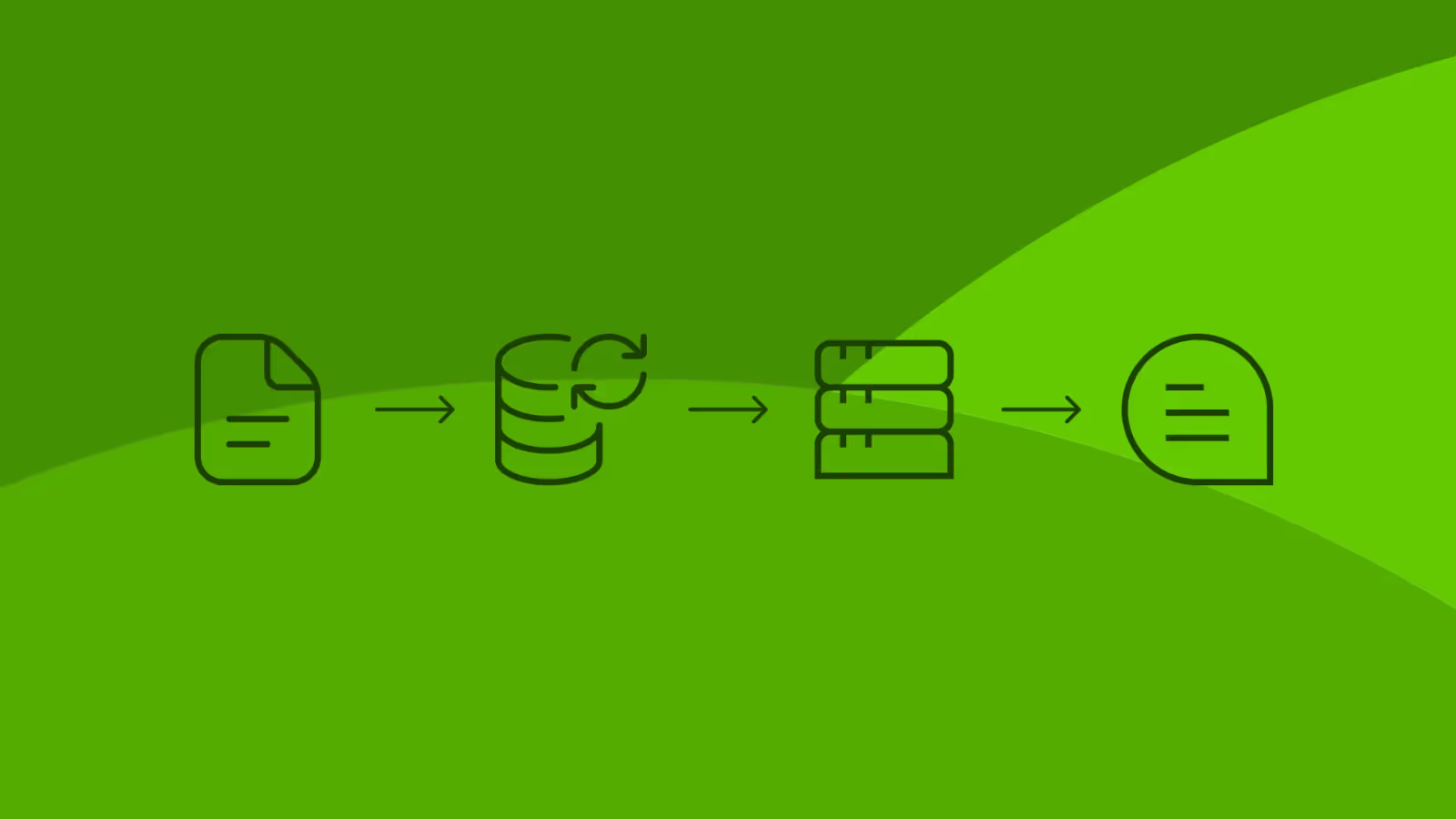
 Retrieval-Augmented Generation (RAG)
Discover how Retrieval-Augmented Generation (RAG) empowers AI agents with dynamic external knowledge for accurate, autonomous execution on Supasaito Agents.
 AI & Search Visibility
 Model Context Protocol (MCP)
Discover how the Model Context Protocol (MCP) replaces custom APIs, enabling AI agents to securely connect to enterprise data and automate tasks on Supasaito.
 AI & Search Visibility
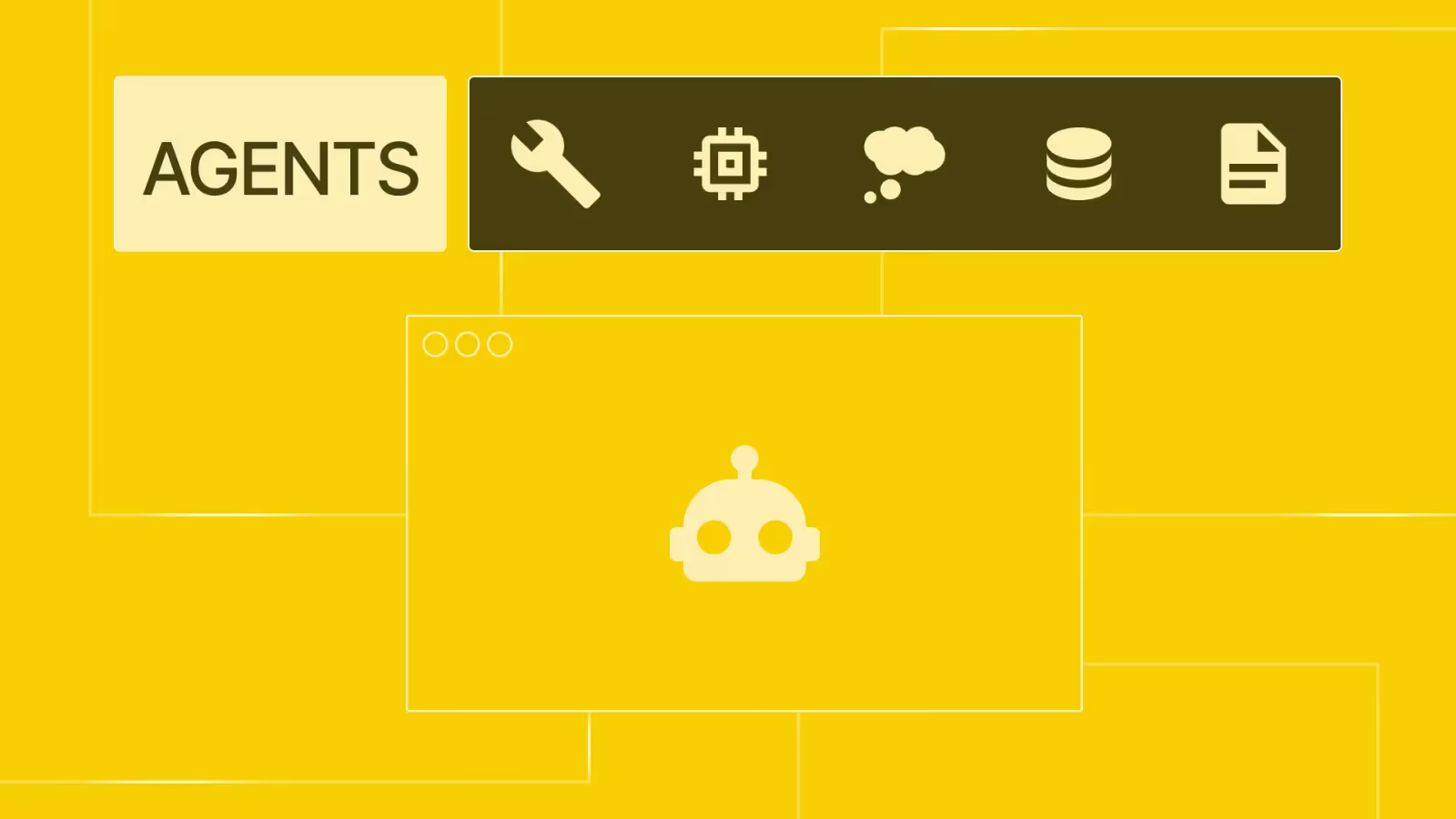
 AI Agents
Discover the architecture behind autonomous AI agents, their high-impact applications across departments, and how they are driving measurable ROI for modern enterprises.
 AI & Search Visibility
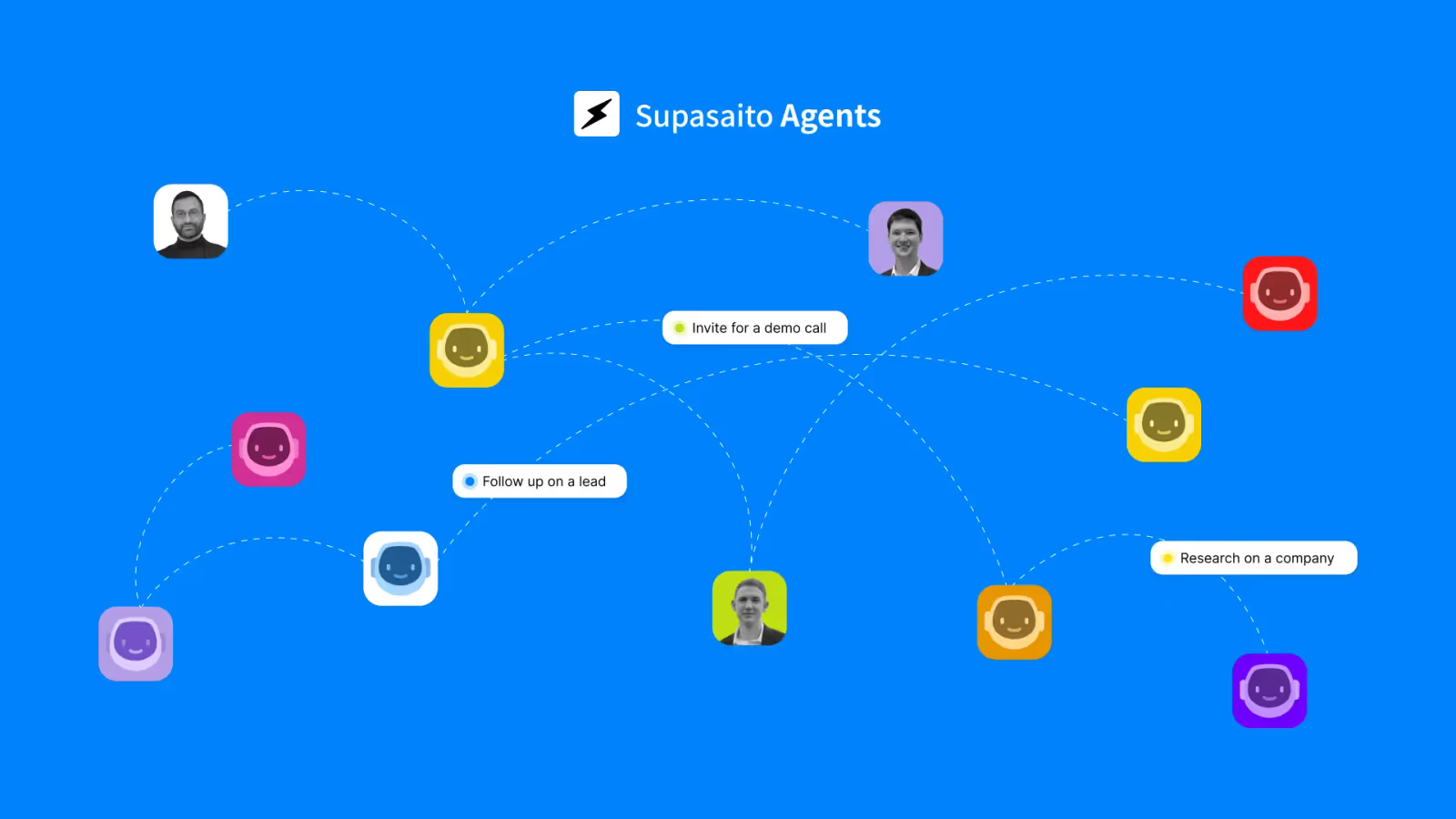
 Supasaito Agents
Build and run autonomous AI agents without coding. Supasaito Agents lets you deploy 24/7 virtual team members to automate complex business workflows.
 Tools & Workflow
 Figma Sites 2025/26 Update – What’s New, What’s Still Limited, and When to Use It
Discover the latest updates to Figma Sites: from templates and responsive layouts to custom domains and CMS improvements. Learn what’s new, what’s still limited, and when it makes sense to choose Webflow instead.
 Tools & Workflow
 Building a team management tool in Notion
This is a story of how our team came up with Notion setup which transformed our projects and tasks management from chaos to clarity.
 Tools & Workflow
 Comparison of Web Design Tools
This article compares four popular no-code website creation tools: WordPress, Wix, STUDIO, and Webflow. For each platform, it provides an overview of its key features, pros and cons, and ideal use cases.
 Design (UI/UX)
 How to Create High-Impact Banners: Sizes, Design Tips, and Best Practices
On a website, banners serve a crucial purpose. Much like billboards on a busy street, they catch users’ attention and guide them to key content. When used effectively, banners can raise brand awareness, highlight promotions, and even increase sales. In this article, we’ll explain what banners are, their purpose and benefits, and how to create designs that actually convert.
 Webflow & Development
 Comparison: WIX and STUDIO
Not sure whether to go with Wix or STUDIO? Wix lets you build intuitively, while STUDIO shines with design flexibility. We break down their features in a friendly way—and also introduce Webflow, a pro-level tool worth knowing.
 AI & Search Visibility
 What is ChatGPT? A Beginner-Friendly Guide to How It Works, What It Can Do, and How to Use It
In recent years, AI that can generate text and images—known as generative AI—has been attracting attention worldwide. Among the many tools available, one of the most widely used by both individuals and businesses is ChatGPT, developed by OpenAI. You may have heard the name "ChatGPT," but still feel unsure about what it actually is or what it can do. This article aims to explain the basics of ChatGPT in an easy-to-understand way for beginners. We'll cover how it works, what it's capable of, and how you can apply it in your daily life and work.
 Tools & Workflow
 How to Smartly Set Up Your Company Email Address and Website
 Webflow & Development
 Web Development at Scale with Webflow: Component and Variable-Based Framework for Fast Teamwork and Error Prevention
This Webflow framework by Supasaito simplifies website building and management, especially for large teams. It tackles common challenges like design bottlenecks, accidental style changes, and inconsistencies using components with properties, structured variables, and clear CSS class naming. The system boosts speed, flexibility, localization, and design control, ensuring consistent, scalable, and error-free Webflow development.
 Webflow & Development
 Publish Your Website Without a Server! Getting Started with Web Design Using Webflow
Have you ever thought, “I want to build my own website, but do I need to rent a server to do that?” If so, you're not alone. In the past, building a website required you to sign up for a server and configure everything yourself. But now, with no-code tools like Webflow, it's possible to publish your website without needing a separate server contract! In this article, we’ll break down what a server is, why you don’t need one when using Webflow, and how beginners can easily get started with web design—no tech knowledge required.
 Tools & Workflow
 How AI Helps You Find What You're Looking For: Smart Search at Our Academy
🔍 Finding what you’re looking for has never been easier. You know what you want, but the right words just won’t come to mind? It happens all the time—especially when you’re not sure how to phrase your question. That’s exactly why we built the new AI-powered search for Supasaito Academy. It understands what you mean, not just what you type. In this article, we’ll show you how it works behind the scenes—and why it’s a game-changer for online learning.
 Tools & Workflow
 Integrating GSAP into Webflow: What’s Really Happening (and What Comes Next)
Webflow’s acquisition of GSAP marks a turning point for web design: no longer a complex external integration, GSAP is now natively supported — and even free for non-Webflow projects. In this article, we explore why Webflow made this move, how it’s reshaping animation workflows, and what the future holds for creators. Whether you’re a no-code enthusiast or a seasoned developer, this evolution opens new possibilities — and we show you how to take advantage of them.
 Webflow & Development
 Why Are Startups Around the World Choosing Webflow Now? [A No-Code Web Creation Tool That’s Changing the Game]
Why are startups around the world choosing Webflow? In this article, we take a deep dive into 5 key benefits of Webflow — a no-code tool that lets you achieve both design freedom and powerful SEO, all without coding. Discover the secrets to accelerating your business.
 Tools & Workflow
 Maximize Your Website’s Performance: How to Set Up and Use Google Analytics with Webflow
If you’ve built your website with Webflow, setting up Google Analytics is essential to truly measure and grow your business impact. This article explains why Analytics matters, how to configure it properly, and why using Google Tag Manager makes all the difference. A must-read if you’re serious about optimizing your site after launch.
 Design (UI/UX)
 2025 Web Design Trends You Should Know About!
 Webflow & Development
 Why You Should Choose Webflow Over STUDIO
Thoroughly compare “STUDIO” and “Webflow”! I'll explain why Webflow is perfect for business growth. The advantages unique to Webflow are introduced in detail, such as flexible features, SEO measures, and image compression. This is a must-see article for those aiming for efficient website management!
 Design (UI/UX)
 Introduction to UI Design: A Beginner-Friendly Guide
 Webflow & Development
 Why Proper Text Markup on a Website Matters
In this article, I want to talk to you about semantic markup and why it’s essential for creating a high-quality website—or any other document, for that matter. Whether it's a web page or a Word document, many people struggle to structure their text correctly. Misusing headings, lists, or text emphasis often results in messy, hard-to-read content that confuses readers and misses its purpose.
 Webflow & Development
 WordPress vs. No-Code! Which should you choose?
 Webflow & Development
 Build Your Own Website: A Simple Guide from Creation to Launch
 Business & Freelancing
 Should website production be done in-house or outsourced?
Recently, the rise of no-code tools has simplified website creation for those without engineering backgrounds. When you create a website, you probably have a certain purpose in mind. But if that purpose is just "I just want a website," then using no-code tools such as Webflow, Wix, Studio and others, you can easily and free of charge create a website. However, if the purpose of creating a website is to improve your brand, attract customers, or sell products effectively, you need to create a website to achieve that goal. This requires a variety of knowledge and skills, such as creating a design that fits the brand's image, building source code that loads quickly, and creating a structure and content that is optimized for search. It is a difficult decision to decide whether to do this job, which requires many production man-hours, in-house or to outsource it to an outside production company or freelancer. To help you make this decision, we will explain in detail the advantages and disadvantages of each.
 Webflow & Development
 What Is Webflow? Why It’s the Most Popular No-Code Tool
This article introduces Webflow from an expert’s perspective, detailing its unique visual development features, competitive edge over other no-code platforms, and suitability for beginners, designers, and enterprises.
 Design (UI/UX)
 Essential Tips for Webflow Beginners: Common Webflow Mistakes and How to Build a Professional Website
Webflow is a no-code tool that allows you to create high-quality websites, but there are many aspects that may be difficult to get used to at first. In this article, we will introduce some points that will enable even Webflow beginners to create professional-looking websites. By following these points, you can dramatically improve your Webflow skills, so please read to the end.
 Design (UI/UX)
 How to get started with Webflow! How to Create A Webflow Account
There are probably many people who have heard that Webflow is useful, but don't really know how to start using it. In this article, we will explain how to start Webflow and register an account in an easy-to-understand manner, even for beginners. In this article, we will introduce the basics of Webflow, initial setup, and fee plans. Recommended for these types of people! Want to start using Webflow to create a website for the first time Are interested in Webflow, but do not know how to use it Do not know how to choose a price plan Let's start using Webflow with confidence, as we provide detailed explanations with images!
 Webflow & Development
 Effective Strategies to Boost Webflow Website Loading Speed
Recently, people frequently use smartphones and computers to search for information, it's crucial for websites to load quickly and provide users with a smooth, seamless experience. A slow-loading website frustrates users and negatively impacts site performance, leading to lower engagement, higher bounce rates, and a drop in search engine rankings. If your website isn't optimized for the best possible user experience, you won't be able to compete in the market. In this article, we’ll explore ways to improve the speed of websites built with [Webflow](https://webflow.com/). Whether you're a developer or someone looking to enhance your site's performance, this article is for you.
 Webflow & Development
 Why Webflow is the Best Choice for Building Your Own Company Website.
When creating a company website, hiring a web development agency can lead to significant costs.Wouldn't it be great if you could save money by building the website in-house?The truth is, we are now in an era where you can create a company website internally, even without an engineer.In this article, we will introduce how you can do just that.
 Webflow & Development
 Global business and website localization
Overview of the benefits and best practices of website internationalization and localization.
 Tools & Workflow
 What Is Spline? A Guide to Using 3D Models in Webflow
This article introduces Spline, a free 3D creation tool, and explains how to integrate it with Webflow for interactive 3D experiences.
 Design (UI/UX)
 UI/UX Quiz
This article offers an interactive quiz designed to test your knowledge of UI/UX design principles.
 Business & Freelancing
 How to Choose the Right Webflow Developer: A Guide to Business Success
This article offers a practical guide to selecting a reliable Webflow developer or agency.
 Webflow & Development
 Build a Successful Website! 5 Key Strengths of Webflow
This article explores five reasons why Webflow is an ideal web development tool for modern businesses: stylish design capabilities, SEO readiness, responsive design, intuitive CMS, and seamless collaboration.
 Webflow & Development
 How to Speed Up Your Webflow Site
This in-depth guide explores essential and advanced strategies to improve the loading speed of Webflow websites.
 Webflow & Development
 How to Disable Scroll When Opening a Menu or Modal in Webflow
This article explains how to prevent background scrolling when opening a menu or modal in Webflow.
 Webflow & Development
 Comparing Webflow and Framer – Which No-Code Tool Is Right for You?
This in-depth article compares Webflow and Framer, two leading no-code tools used globally (especially outside Japan) to manage websites without traditional coding.
 Business & Freelancing
 Should You Build Your Website In-House or Outsource It?
This article explores the pros and cons of building a website in-house versus outsourcing it to a professional agency.
 Webflow & Development
 11 Reasons to Build Your Website with Webflow
This comprehensive article presents 11 compelling reasons to choose Webflow for building your company’s website.
 Tools & Workflow
 7 Figma Plugins That Will Make Your Design Workflow Easier
This article introduces seven Figma plugins that can dramatically boost productivity for designers. Each plugin is briefly described with practical examples.
 Webflow & Development
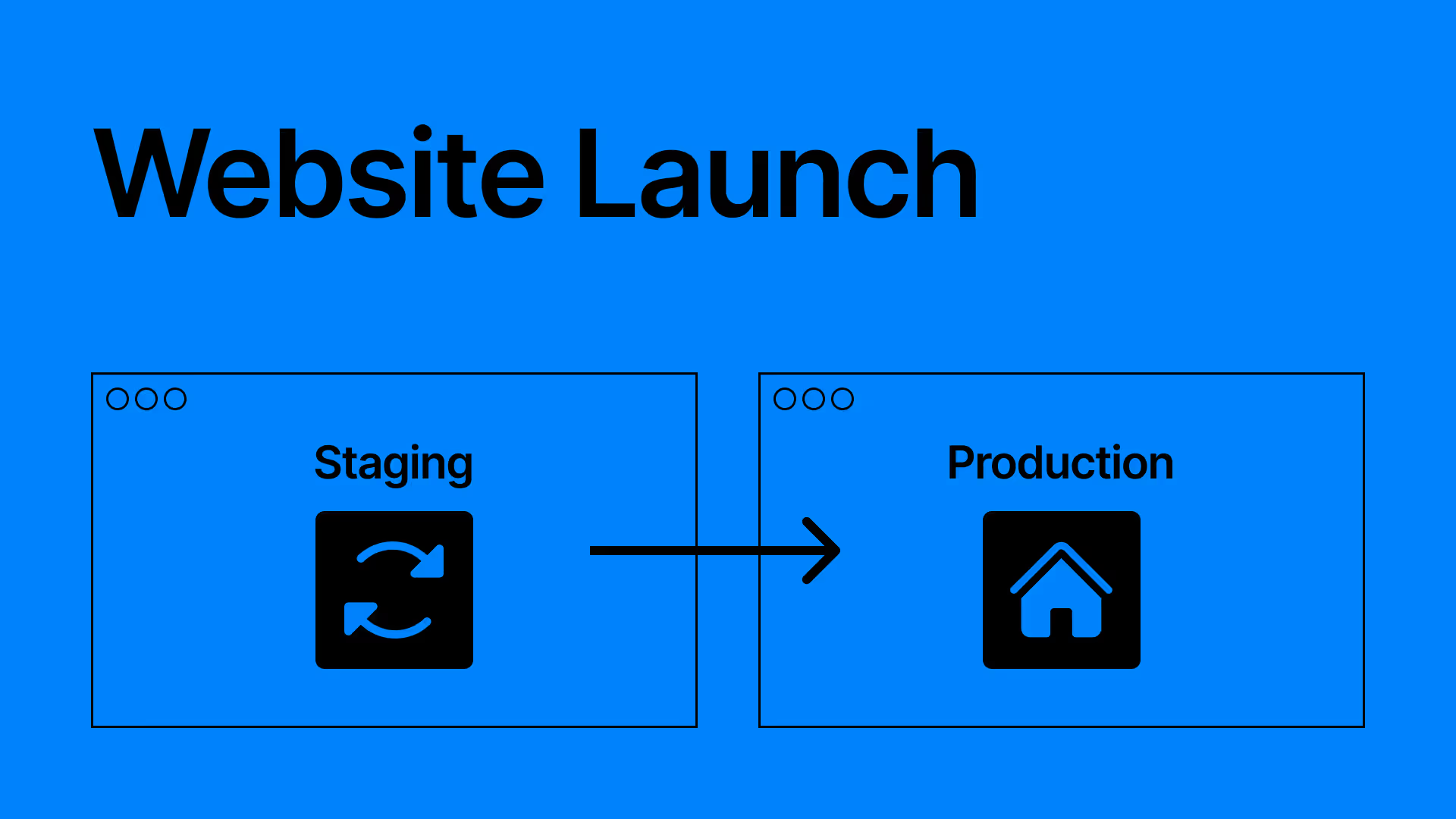
 What Does “Publishing a Website” Mean?
This article explains the meaning and purpose of publishing a website, with a focus on the difference between staging and production environments. It describes staging as a safe place to test content and design before going live, and production as the environment visible to actual users. It outlines the workflow in Webflow, including how to stage changes, preview updates, and publish to custom domains. The article is designed for beginners unfamiliar with deployment concepts.
 Design (UI/UX)
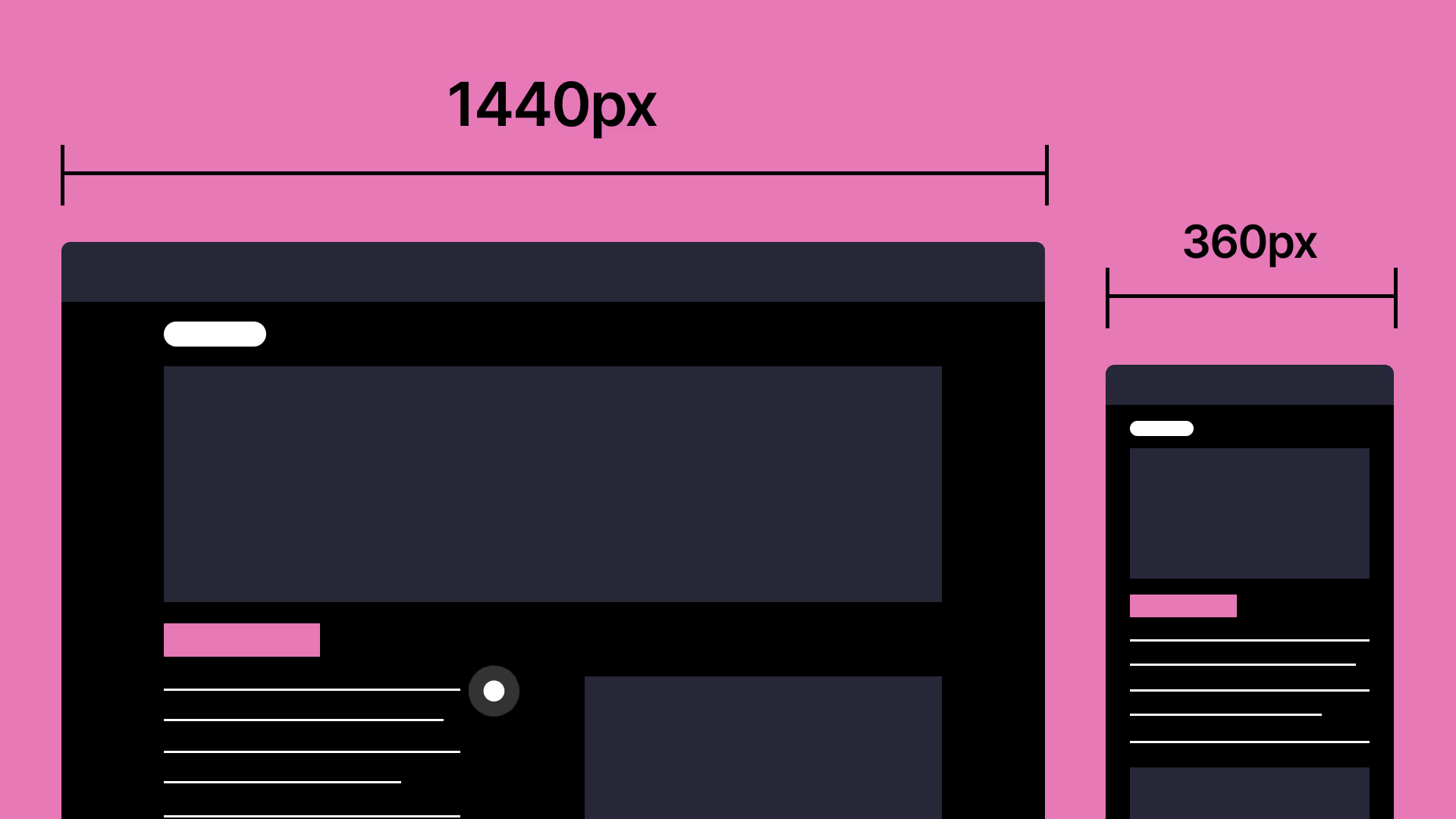
 Responsive Design: Basics and Best Practices
This article explains the fundamentals of responsive web design and provides practical tips for ensuring websites display correctly across different devices. It starts by defining responsive design and its importance in modern web development. Then it outlines key implementation methods such as using relative units (%, vw, rem), setting breakpoints effectively, using Flexbox and Grid, and previewing designs across viewports. The article also includes common pitfalls and how to avoid them.
 Webflow & Development
 How to Use “Yu Gothic” Font in Webflow via Font-Family CSS
When building a website, it's common to receive designs that use Yu Gothic as the font. However, Yu Gothic is not available in Webflow’s standard Google Fonts. The remaining options are using Adobe Fonts, uploading font files, or applying it via CSS using the font-family property. This article explains how to use Yu Gothic by defining it directly in CSS.
 Webflow & Development
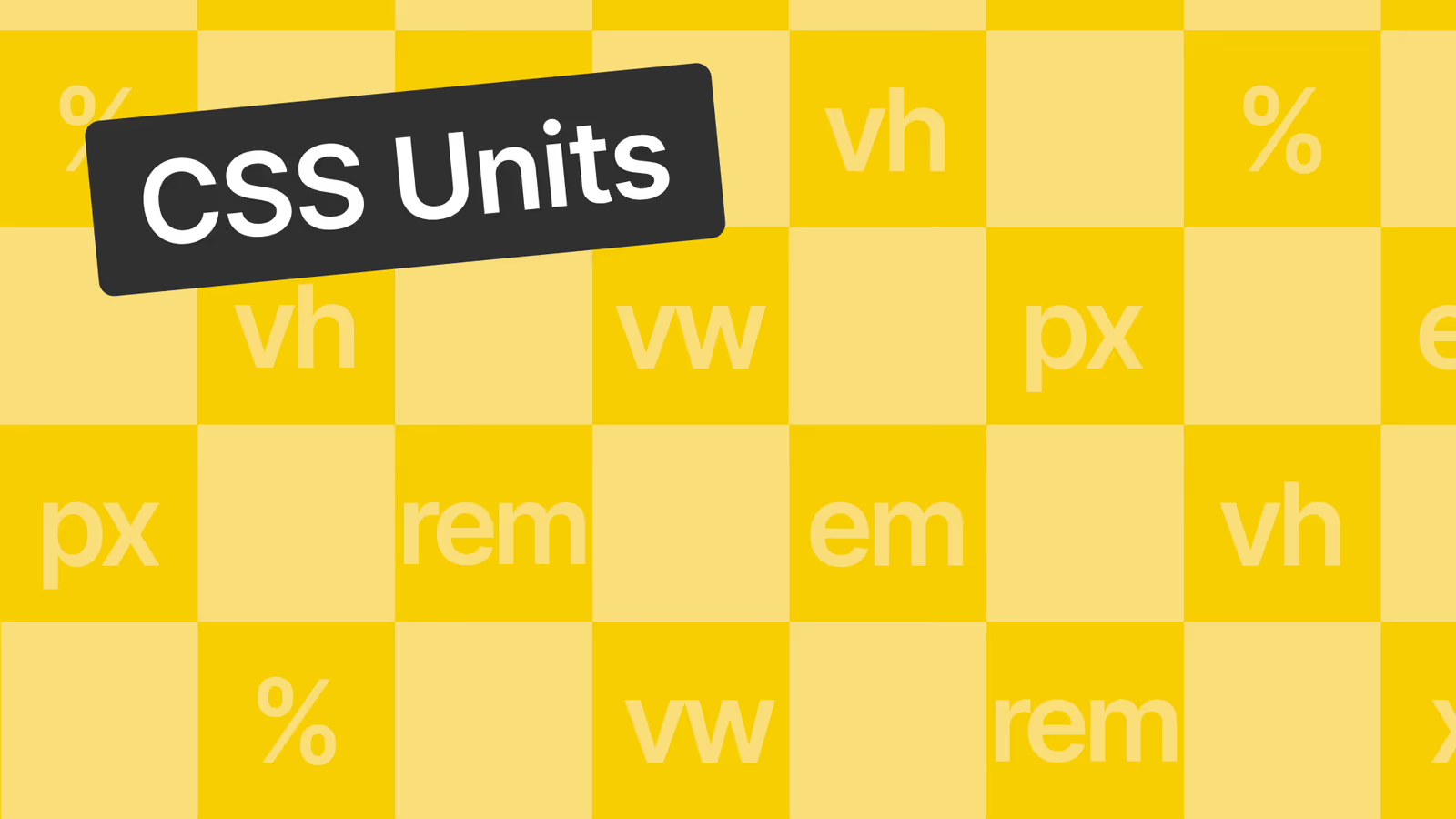
 [Size Units Explained] What Are px, em, rem, %, vw, vh?
This article provides a clear and accessible overview of common CSS sizing units.
 Webflow & Development
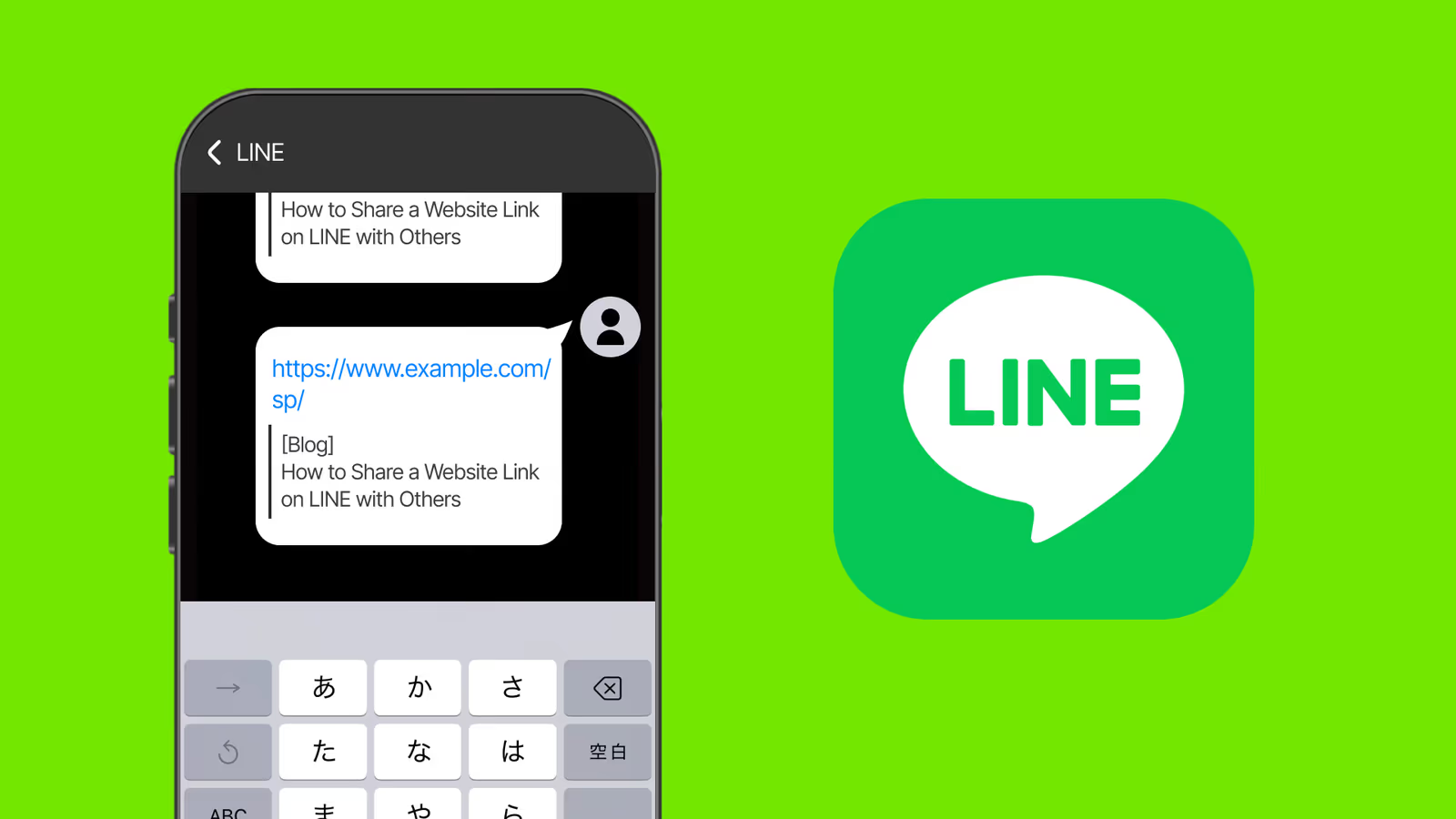
 How to Set the Thumbnail Image When Sharing a URL on LINE (Using Webflow)
This article explains how to set the thumbnail image that appears when a URL is shared on LINE, Facebook, or other platforms, especially using Webflow.
 Business & Freelancing
 Outsourcing Development vs In-House No-Code Development
Learn how startups and businesses can reduce costs, save time, and improve agility by choosing in-house no-code development over outsourcing. Ideal for non-engineers looking to launch fast and iterate often.
 Tools & Workflow
 What is No-Code?
Discover what no-code is and how it's revolutionizing software development in 2025. Learn how to build websites, apps, and automations without writing a single line of code. Join supasaito Academy and turn your ideas into reality.
 Webflow & Development
 Japanese Line Breaking Issues in Web Design
Discover practical solutions to Japanese line breaking issues in web design. Learn how to use <span>, <wbr>, and modern CSS properties like overflow-wrap to improve readability and maintain clean layouts.
Contact
Take the next step — at your own pace.
Not sure about scope or budget yet? No problem. Whether you're just gathering information or ready to discuss a project, there are three ways to start — all free of charge.