Should You Migrate from WordPress to Webflow? (2026 Guide) — When to Switch, Costs, and How to Do It Right
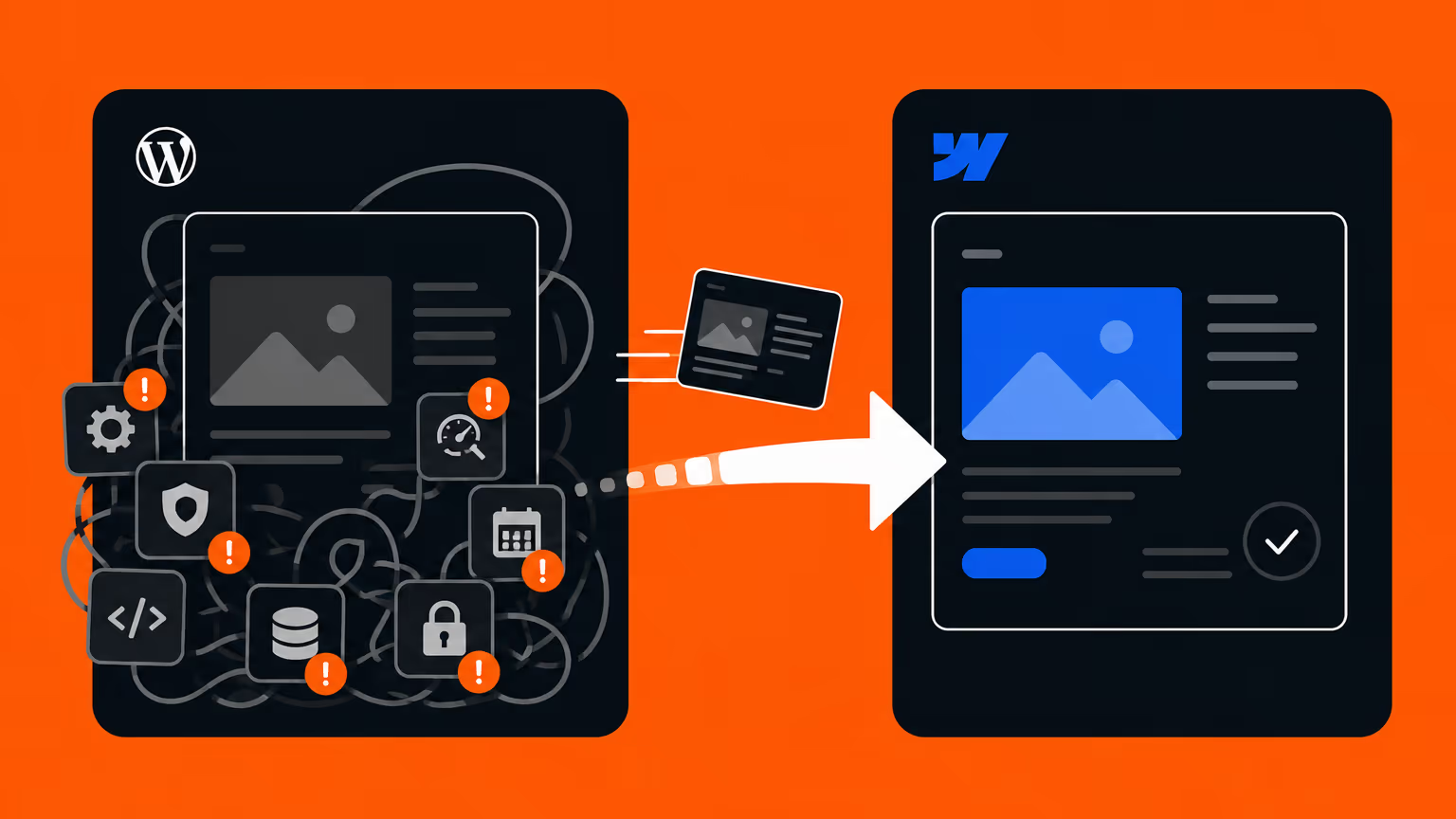
“Should we migrate our WordPress site to Webflow?” — it’s one of the questions we hear most often from marketing leads and business owners. Every update requires a developer or an agency. Plugin maintenance never ends. Security is a constant worry. If any of that sounds familiar, this article is meant to be your decision framework.
Most comparison articles online stop at feature lists: “Webflow generates clean code,” “WordPress has more plugins.” But what you actually want to know is: should your company migrate, what will it cost, and will your SEO survive?
This guide is written by Supasaito — Japan’s first official Webflow Enterprise Partner, with dozens of WordPress-to-Webflow migrations behind us — as a business decision guide, not a neutral tool tour. We’ll also tell you honestly when you should stay on WordPress.
The Short Answer: Should You Migrate?
Before the details, here’s the decision framework.
Stay on WordPress if:
- Your site’s core depends on complex plugin-driven functionality (membership, e-commerce, booking systems) that works well today
- You have in-house engineers comfortable with PHP and a maintenance routine that already runs smoothly
- Your site is essentially a blog, updates are infrequent, and you have no major complaints
Migrate to Webflow if:
- Every update requires a request to an agency or engineer, costing you speed and money
- You want to eliminate the operational burden of plugin updates, server maintenance, and security patching
- You want your site to become the center of lead generation, hiring, and communications — but the current setup can’t keep up
- You’re planning multilingual expansion or significant site growth
In one sentence: if your current maintenance setup isn’t causing pain, stay on WordPress; if your site should be driving the business but operations are holding it back, migrate to Webflow. Here’s the reasoning.
WordPress vs. Webflow at a Glance
| WordPress | Webflow | |
|---|---|---|
| Architecture | Open source + self-managed hosting, themes, plugins | All-in-one SaaS (hosting included) |
| Ease of updates | Depends on theme/build (often needs a developer) | Non-engineers edit directly |
| Security | High risk if plugins/updates are neglected | Managed by the platform (AWS infrastructure) |
| Maintenance burden | Constant core, plugin, and server updates | Essentially none |
| Extensibility | Unmatched plugin ecosystem | APIs and integrations (no plugin culture) |
| Design freedom | Constrained by themes (custom code to go beyond) | No themes — fully custom |
| Speed & code quality | Heavily dependent on theme/plugin choices | Clean code generated automatically |
| Multilingual | Via plugins | Built-in (Localization) |
| Upfront cost | Cheap to start | Requires build investment |
| Running cost | Ongoing maintenance and developer fees | Predictable subscription, no maintenance labor |
Both are excellent platforms. Bold marks relative strengths — neither is universally better.
The Biggest Difference: Can Your Team Run the Site Alone?
Before comparing features, here’s the difference that matters most as a business decision: can your team update and improve the site without engineers or outside vendors?
WordPress is open source — the code is yours. But in practice, running it means technical hands are needed for every theme change, plugin update, server issue, and bug fix. Without that capacity in-house, you pay a continuous “invisible cost” in agency fees and waiting time. A one-line text change taking days and a five-figure invoice — that’s the single most common story we hear in migration consultations.
With Webflow, building the site still takes expertise — but once it’s live, content updates, new articles, and minor changes are done by non-engineers, directly in the interface. Whether your marketing team can publish an idea the same day they have it shows up directly in how many experiments you run — and in results.
If your site is supposed to be the center of your business, but every change requires someone else’s hands — that structure, more than any feature gap, is why companies leave WordPress.
That’s also why Supasaito doesn’t treat migration as “build, deliver, done.” Our model is Build → Train → Own: we build, train your team, and hand over a site your company runs itself.
Security and Maintenance: An Honest 2026 Assessment
“WordPress gets hacked all the time” is not an accurate statement anymore. As of 2026, WordPress core security has improved substantially — the real issue, as always, is plugins and update discipline. The vast majority of vulnerabilities come from plugins, and a neglected plugin can be under attack within hours of a disclosure.
So the real question isn’t “is WordPress dangerous?” It’s: who will keep doing the updating, monitoring, and backups — and at what cost? If you have that capacity, fine. If you don’t, it’s a permanent, compounding risk.
Webflow absorbs that entire operational layer into the platform: AWS-based hosting, SSL, and DDoS protection are standard, and because there are no plugins, the “unpatched plugin becomes a backdoor” failure mode simply doesn’t exist. When migrated clients tell us form spam collapsed and maintenance anxiety disappeared, this structural difference is why.
SEO: Will Migration Hurt Your Rankings?
The most common question we get. The answer: done correctly, rankings don’t drop — and the technical foundation usually improves.
Webflow’s strengths are clean generated code, fast load times, and fine-grained control over meta data, URL structure, and structured data. All of that is achievable on WordPress too — but it depends on your theme and plugin stack, and a bad stack means a slow, fragile site. With Webflow, the quality of the foundation doesn’t depend on configuration luck.
But be clear about one thing: no tool improves SEO automatically. What actually matters during migration is the craft:
- URL mapping and 301 redirects — every old URL redirected to its new home, so search equity transfers
- Meta data and structured data — titles, descriptions, and schema.org markup preserved and improved
- Complete CMS migration — every article, category, and image moved without loss
At Supasaito, preserving search equity is a standard step in every migration project. See our WordPress to Webflow migration service for how we run it.
The Real Costs
Migration cost depends on scale — page count, CMS complexity, whether the design is being refreshed — so there’s no single number. The accurate way to think about it is in two parts: an upfront build investment, and a structural change in running costs.
- Upfront: design, build, CMS migration, redirect mapping. Comparable to a full WordPress site renewal.
- Running: server maintenance, plugin management, and per-update agency fees disappear, replaced by Webflow’s subscription. The per-change labor cost — the invoice attached to every small update — approaches zero.
Don’t compare tool prices; compare total cost including maintenance, updates, and outsourcing — against the volume of marketing work your team can suddenly do in-house. Our pricing philosophy is on the pricing page.
Case Study: ¥30M+ in Annual Maintenance Savings (EARTHBRAIN)
The impact is easiest to see in real numbers.
EARTHBRAIN, a construction-DX company, moved from a heavily outsourced setup to an in-house Webflow operation and cut web maintenance costs by more than ¥30 million in one year, while their internal team built 20+ new pages on their own. What we delivered wasn’t a website — it was a team that could run one: build it, train them, hand over ownership.
Read the EARTHBRAIN case study and the interview.
How to Migrate Without Failing (5 Steps)
- Audit and plan — map the current site’s structure, traffic, and pain points; define scope and timeline
- Design — decide whether this is a straight move or a redesign
- Build and migrate the CMS — rebuild in Webflow and move all articles, images, and collections
- Redirects and SEO handover — set every 301 redirect, meta field, and structured-data item
- Launch and training — train your team so they can run the site themselves from day one
Step 4 is where migrations fail. Search equity lost to missing redirects is very hard to win back — which is why we recommend doing this with a partner who has done it many times.
How Supasaito Thinks About It: Migration Is a Start, Not a Finish
We’re not in the business of selling a particular tool. Our job is choosing the right technology for the problem and growing your site into the center of your business. If staying on WordPress is the right call for you, we’ll say so.
- Japan’s first official Webflow Enterprise Partner — equipped for enterprise migration and operations requirements
- Build → Train → Own — we don’t just migrate; we embed the workflow in your team and hand over the keys
- Bilingual (Japanese/English) team — including multilingual site migrations
Not sure whether migration is right for your company? Tell us about your current site in a free consultation — we’ll advise on whether to migrate at all, what it would cost, and how to sequence it, working backwards from your business goals.
FAQ
Will our search rankings drop after migration?
Not if the migration is done correctly. What matters isn’t the tool but the craft: 301 redirects from every old URL, careful transfer of meta data and structured data, and complete CMS migration. We treat search-equity handover as a standard project step, and many sites grow after migration thanks to faster pages and a team that can finally publish freely.
How much does a migration cost?
It depends on page count, CMS complexity, and whether the design is refreshed — roughly comparable to a full WordPress site renewal as an upfront investment. After migration, server maintenance, plugin management, and per-update agency fees disappear, which changes the cost structure permanently. See the pricing page or get an estimate in a free consultation.
We have hundreds of blog posts. Can they be migrated?
Yes. Articles, categories, and images are migrated into Webflow’s CMS in bulk. The more content you have, the more URL mapping and redirect precision matter — so we plan the migration around your actual traffic data, not as a mechanical copy job.
What happens to features we currently run on WordPress plugins?
Most common needs — forms, multilingual, SEO settings — are covered by Webflow’s built-in features or integrations. But if plugin-dependent functionality like membership or e-commerce is the core of your site, staying on WordPress may be the rational choice. We help audit this in a free consultation.
Can we run the site after migration without a technical person in-house?
Yes — that’s the main point of migrating. Post-launch content updates, text edits, and image swaps are done by non-engineers directly in Webflow. Every Supasaito migration ends with training for your team, and we hand over a site your company runs on its own.
Conclusion
Not every company should migrate from WordPress to Webflow. The test is simple: if your current maintenance setup isn’t causing pain, stay. If your site should be driving the business but every change needs someone else’s hands, migrate.
And what decides whether a migration succeeds isn’t the tool — it’s the craft of transferring your SEO and the discipline of building a team that can run the site afterwards. Talk to us early and we’ll help you decide, starting from your business goals — including whether to migrate at all.
If you’d rather learn Webflow and attempt the migration yourself, our video courses at Supasaito Academy can get you there.