Webflow vs STUDIO (2026): Which Should You Build Your Company Site On?
“Should we build our corporate site on Webflow or STUDIO?” is one of the questions we hear most often from web managers and executives.
Most comparison articles stop at a feature list — “Webflow is flexible,” “STUDIO is beginner-friendly and in Japanese.” But what you actually need to know is: which one is right for your company?
This article is written by Supasaito — the first officially certified Webflow Enterprise Partner in Japan, with 100+ no-code sites built and migrated. It’s deliberately not a neutral tool tour, but a business-level guide to choosing. Both tools have genuine strengths and weaknesses; we’ll be honest about them and then give you a clear conclusion.
The short answer: which one, for whom
Before the detail, here’s the decision framework.
STUDIO is the better fit when
- You want a fully Japanese UI and Japanese-language support, and your team has no engineers
- Your audience is domestic Japan, with no plans for multilingual expansion
- You want to publish an LP, recruiting site or a relatively simple corporate site quickly and cheaply
Webflow is the better fit when
- You want your site to be the center of your business — driving leads, hiring and international growth
- You’re planning multilingual (Japanese, English and beyond) or global expansion
- You have many articles or product pages and need CMS depth and integrations
- You want to guarantee that your site remains an asset you own and can move
In one line: STUDIO for a simple, domestic site published fast; Webflow for a business-critical site you own and keep growing. Here’s why.
Webflow vs STUDIO at a glance
| Criteria | Webflow | STUDIO |
|---|---|---|
| Origin | USA (global) | Japan (domestic) |
| Admin & support language | English-first | Fully Japanese |
| Code export | Yes (HTML/CSS/JS) | No |
| Multilingual / global | Strong (good for English SEO) | Japanese-centric |
| CMS & scalability | Strong for large, complex sites | Best for small–mid sites |
| Integrations | Extensive (API, hundreds) | Core integrations covered |
| Design freedom | Very high (pro-grade) | High (intuitive) |
| Learning curve | Higher | Lower |
| Pricing | USD-denominated | Yen, low entry price |
| Enterprise readiness | AWS infra, global track record | SLA, ISO, bank transfer |
Both are excellent tools. The bold cells mark relative strengths, not an overall winner.
The biggest difference: can you own your site?
Before the feature details, here’s the single most important difference as a business decision: can you take the site you built and move it out?
Webflow lets you export your site’s code (HTML/CSS/JavaScript) and run it on another server. STUDIO does not support code export — your site stays within the STUDIO platform.
This looks like a small spec difference but grows in importance over time. The more your site becomes the hub of lead generation, hiring and PR, the more being locked to a single platform (vendor lock-in) becomes a business risk.
If your site is going to be the center of your business, can you afford to put that center somewhere you can’t take it with you? This is the first question to answer in any tool decision.
That single point is what most of our migration projects come down to. It’s also why Supasaito works on a Build → Train → Own model: we build the site, train your team to run it, and hand you ownership.
Where STUDIO genuinely wins
STUDIO, born in Japan in 2016, has matured a lot. The old “beginner tool” label no longer fits.
- Fully Japanese — from the editor to support. If your team has no engineers, the reassurance is real.
- Ease of adoption — an intuitive editor plus templates gets you live fast; great for speed-first LPs and recruiting sites.
- Low, yen-denominated pricing — cost-effective for individuals and small sites (details below).
- Enterprise features too — 99.9% SLA, ISO/IEC 27001, bank-transfer billing; adoption by large Japanese brands is growing.
For a domestic site that needs no multilingual reach or code portability, published quickly and cheaply, STUDIO is a perfectly rational choice.
Where Webflow wins (growth & global)
For companies treating the site as a core growth asset, Webflow’s strengths compound.
- Scalability & CMS — holds up as articles and product pages multiply; strong for complex structures and large sites.
- Multilingual & global — proven multilingual builds (Japanese/English/French) and strong English-market SEO. Ideal for going global — or for overseas firms entering Japan.
- Deep integrations — APIs and hundreds of tools let you embed forms, CRM and marketing into a site that works, not just displays.
- Ownership via code export — as above, you can take the site with you.
- SEO fundamentals — clean code and fast loads give you a base search engines reward.
Being pro-grade, Webflow has a steeper learning curve than STUDIO — which is exactly why having a partner who can build and embed it in your team makes or breaks Webflow adoption.
The real cost (as of July 2026)
Prices change — always confirm the latest on each official site. As a reference point, here’s the current shape.
STUDIO (yen, tax incl., annual billing shown per month)
- Free: ¥0
- Mini: ¥590/mo (2 pages)
- Personal: ¥1,190/mo (150 pages)
- Business: ¥3,980/mo (300 pages, webhooks, granular permissions)
- Business Plus: ¥9,980/mo (priority support, audit logs)
- Enterprise: contact sales (99.9% SLA, bank transfer)
Webflow (USD)
In May 2026 the Site plans were simplified to Starter (free) / Basic (from $15/mo) / Premium (from $25/mo, CMS included). In practice, Workspace (team) fees and per-seat charges are added on top, so a real business setup can run around $100+/mo.
On tool fees alone, STUDIO is cheaper. But the number that matters isn’t the tool price — it’s the total cost of design, build, operation and team enablement, against the business results it produces. Our approach to pricing is on the Pricing & Process page.
How to choose without regretting it
- No in-house resource, need a domestic LP or recruiting site fast → STUDIO (or Webflow + build & run support)
- Articles and product pages will grow; you want leads from the site → Webflow
- English or multilingual on the horizon / you have overseas customers → Webflow
- You want to own and run the site yourself, free of vendor lock-in → Webflow
- You want to launch and validate a new service quickly → Webflow + new-service launch support
Case in point: escaping lock-in (EARTHBRAIN)
The value of owning and running your own site is clearest in the numbers.
Construction-DX company EARTHBRAIN moved from a vendor-dependent setup to cutting web maintenance cost by over ¥30M in a year, with an internal team that could build 20+ new pages on its own. What we delivered wasn’t a finished site — it was building it, teaching the team to run it, and handing over the keys.
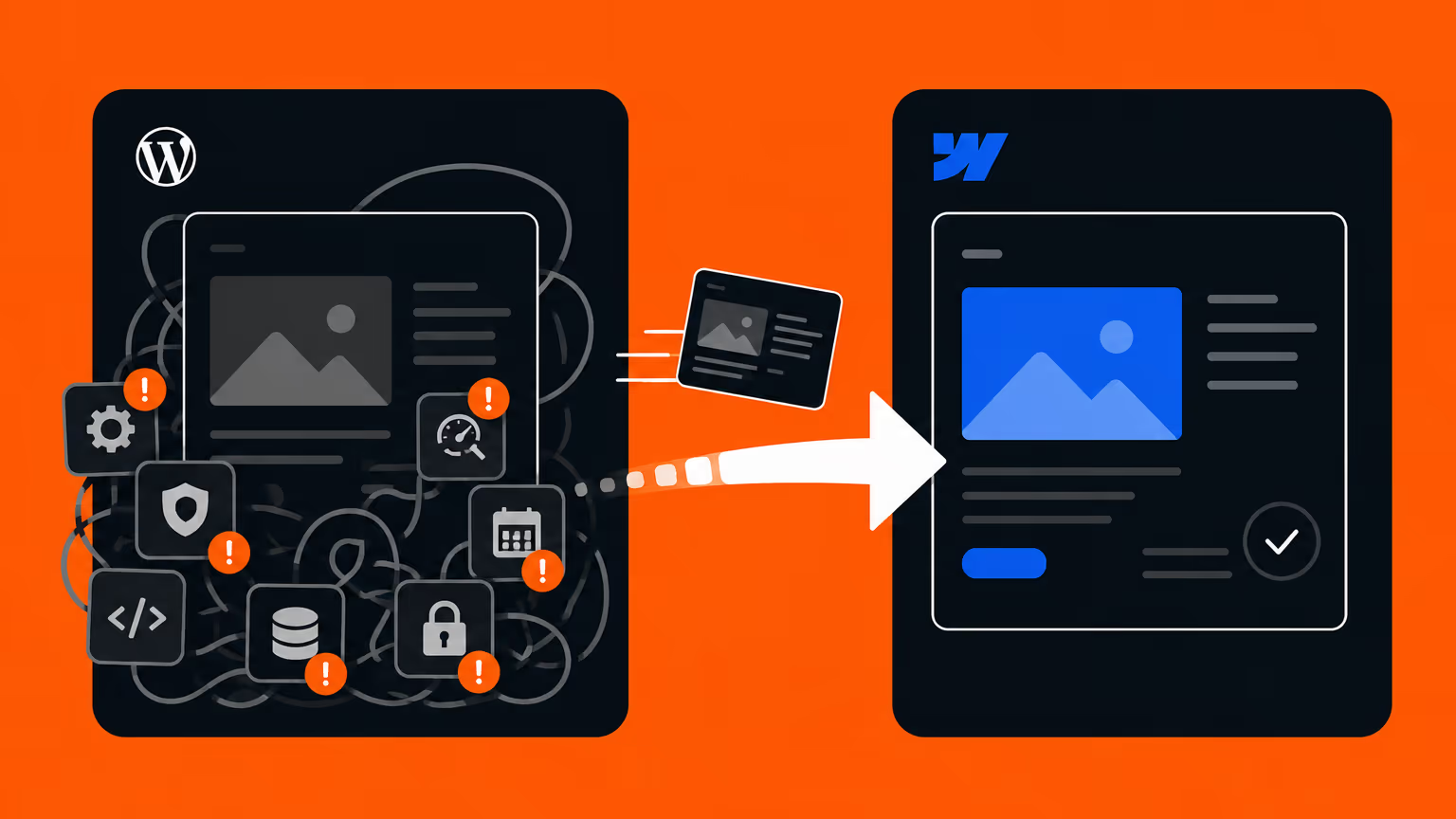
See the full EARTHBRAIN case study. If you’re weighing a move from WordPress or another tool, the WordPress to Webflow page is a useful next read.
How Supasaito thinks: not “build and leave”
We don’t sell a specific tool. Our job is to pick the right technology for the problem and grow the site into the center of your business. We work in Webflow because it’s a tool you can own, scale and take global.
- Japan’s first official Webflow Enterprise Partner — ready for large-company requirements
- Build → Train → Own — we don’t just build; we embed operations in your team and hand you the controls
- A bilingual (Japanese/English) team, equally at home with domestic sites and global expansion
If you’re unsure which tool fits, tell us your situation in a free consultation. We start from your business goals, not from a tool.
FAQ
Which is actually stronger for SEO, Webflow or STUDIO?
Both have clean code and fast loads as an SEO foundation. The gap shows on multilingual and large sites — for global (including English) SEO and high-volume content, Webflow has the edge. For small-to-mid domestic sites, STUDIO competes well.
Can I migrate a STUDIO site to Webflow later?
Yes. Because STUDIO can’t export code, the migration rebuilds design, content and CMS data. We’ve done many of these and design them so search rankings aren’t lost.
I’m worried about Japanese support. Is Webflow workable?
Webflow’s own admin is English-first, but Supasaito handles all communication and support in Japanese and trains your team in Japanese too. “It’s in English, so it’s hard” is a concern a partner removes.
Isn’t STUDIO just cheaper?
On tool fees alone, yes. But the real comparison is total cost — design, build, operation, team enablement — versus business results. Publishing cheaply means little if it doesn’t perform. See Pricing & Process.
For a personal portfolio, which do you recommend?
For a quick, low-cost personal site, STUDIO is easy to handle. If you want to turn it into freelance or production work later, learning Webflow — the global standard — is worth it.
In summary
Webflow and STUDIO are both excellent no-code tools. The choice is simple: STUDIO for a simple, domestic site published fast and cheap; Webflow for a business-critical site you can own and grow.
And what really decides the outcome is less the tool than who you build it with, and how well it’s embedded in your operations. Bring us in at the tool-selection stage and we’ll work back from your business goals to the right approach.