AI Search
Just by entering a keyword, the AI automatically picks up relevant lessons, documents, and information.
Searching...
"yyyyy"の結果:xxx 件
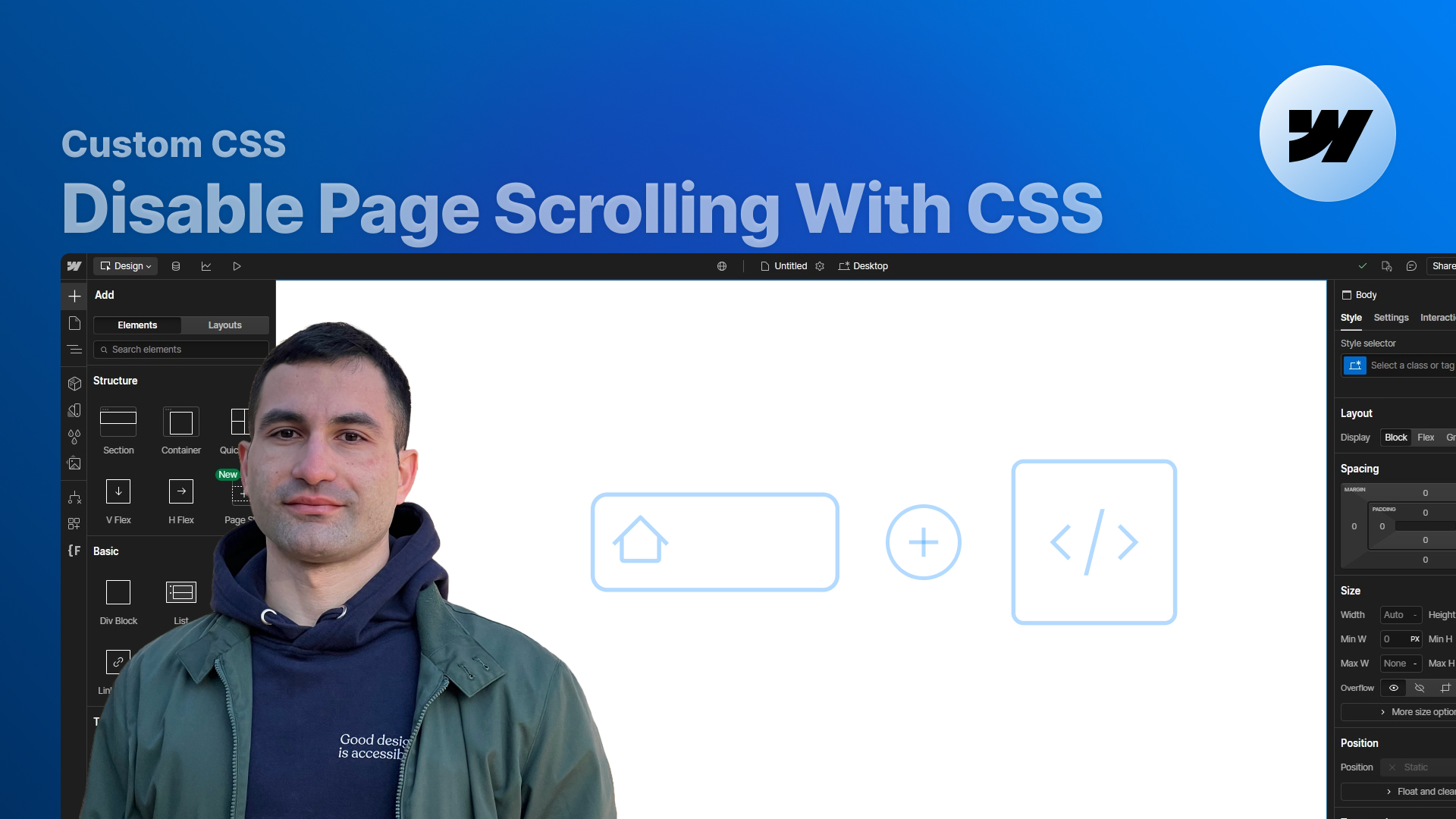
Learn how to disable page scrolling in Webflow using a single CSS rule—no JavaScript required. A simple, clean method to prevent scrolling when your navigation menu is open.
Disabling page scrolling when a navigation menu is open is essential for a smooth, controlled user experience—especially when building mobile or full-screen menus in Webflow.
In this tutorial, I show you how to achieve this behavior without writing any JavaScript. Instead, we take advantage of a Webflow-generated combo class and a powerful CSS selector: :has().
You’ll learn how Webflow automatically applies the w--open class to the menu button, how to target it cleanly using CSS, and how to use this information to toggle scroll locking on the <body> itself.
This method works seamlessly across breakpoints, including desktop, and keeps your project clean and lightweight.
This is one of the quickest ways to improve your navigation UX—especially for mobile menus, overlays, and fullscreen navbars.

Press "Finished" after you watched the lesson to track your progress