Webflow Explained
.jpg)
Master Webflow from foundational concepts to advanced GSAP interactions and scalable design systems. "Webflow Explained" is your complete roadmap to building clean, responsive, and premium websites without writing complex code. Join now to transform your messy builds into professional, high-performing digital experiences!
Target Audience & Prerequisites
- Who is this for: Intermediate Webflow developers looking to level up their layout and interaction skills, as well as freelancers and agency owners who want to build more scalable, premium, and accessible websites for their clients.
- Prerequisites: A free Webflow account and a basic understanding of HTML/CSS concepts (like divs, classes, and margins).
What You Will Learn
- Master foundational and advanced layout techniques, including CSS positioning strategies, fluid Flexbox patterns, and responsive CSS grids with accessible inner borders.
- Build scalable design systems utilizing Webflow's variables, color-mix functions, combo classes, and component variants for effortless global updates.
- Create premium, GSAP-powered staggered text animations and custom 3D CMS sliders that elevate your website's interactive experience.
- Optimize your site's architecture for modern SEO by mastering hidden CMS nesting techniques and managing complex data structures.
- Navigate Webflow's ecosystem confidently, from managing Workspace and Site plans to testing tricky landscape viewports directly within the designer.
Difficulty Level
Difficulty Level: Advanced
This course reaches a high level of technical depth by thoroughly exploring complex workflows like parametric CSS variable systems using the color-mix function, custom 3D interactions powered by Finsweet CMS attributes, and advanced GSAP staggered animation logic.
Detailed Course Breakdown
Are you struggling with messy class structures, unpredictable responsive behaviors, or complex interactions that just won't work? Many Webflow developers hit a wall when trying to transition from basic builds to premium, scalable websites. You might find yourself fighting against default slider constraints, relying on complex workarounds for grid layouts, or getting completely lost in Webflow's workspace pricing.
"Webflow Explained" takes you on a step-by-step journey from confusion to complete control. You'll start by mastering the absolute fundamentals—like CSS positioning, flexbox patterns, and proper class management—before moving into advanced territory. Throughout the course, you'll tackle real-world challenges, such as creating accessible inner grid borders, nesting CMS categories for better SEO, and simulating landscape viewports directly in the designer.
Finally, you'll elevate your sites with premium 3D slider interactions, GSAP-powered split-text animations, and parametric design systems using variables and component variants. By the end of this comprehensive track, you will no longer guess how to structure a build. Instead, you'll have the skills to confidently design clean, responsive, and breathtaking web experiences that delight users and clients alike.
FAQs
Do I need prior coding experience to follow this Webflow curriculum?
No prior coding experience is required. The curriculum focuses heavily on visual development and native Webflow tools. While a few advanced lessons introduce small CSS snippets or copy-paste Finsweet attributes to enhance functionality, everything is explained step-by-step for a strictly no-code workflow.
What is the difficulty level of this path, and how much time will it take?
This curriculum is designed to take you progressively from a complete beginner to a pro. You will start with fundamental concepts like positioning and class systems before moving into advanced 3D interactions and complex CMS architectures. It requires a dedicated time commitment, as it focuses on deep mastery rather than quick fixes.
What specific real-world outcomes can I expect? What will I be able to build?
You will be able to build fully responsive layout patterns, highly accessible CMS grids, and modern SEO-friendly blog structures. Additionally, you will master premium frontend effects like custom 3D sliders, GSAP-powered staggered text animations, and parametric color systems powered by variables.
How does this learning path differ from basic Webflow tutorials?
Unlike standard tutorials that just show you which buttons to click, this curriculum teaches you to think in scalable systems. It prioritizes the "why" behind the tools—teaching you how to build resilient, future-proof layouts, troubleshoot responsive edge cases, and maintain 100% accessibility in your designs.
Will this help me manage clients and structure real-world projects?
Absolutely. Beyond visual design, the path covers modern SEO strategies by showing you how to correctly structure CMS URL architectures based on user intent. It also breaks down complex administrative topics—like Webflow's workspace versus site plans—so you can easily explain hosting and permissions to your clients.
Lessons
%20(1).jpg)
How to Master CSS Hover Effects in Webflow
This tutorial introduces a streamlined approach to creating sophisticated hover interactions in Webflow without relying on the platform's native interaction engine. By leveraging the style panel, state selectors, and a minimal footprint of custom CSS, users can build dynamic card effects—where a hovered card highlights its border and scales its image, while sibling cards elegantly fade to desaturated tones.
The lesson guides viewers through structuring a responsive CMS-driven card grid using flexbox and strategic overflow settings to ensure animations remain cleanly clipped. Instead of tying interaction logic to specific class names, the tutorial demonstrates the advanced practice of utilizing custom attributes combined with Webflow variables. This ensures that styling values, such as scale factors and color shifts, remain centralized, scalable, and easy to maintain across reusable components.
By the end of this session, viewers will have constructed a highly performant hover effect while gaining practical experience with modern CSS pseudo-classes like :has() and :not(). This foundational knowledge empowers developers to write cleaner code, create more expressive relationships between elements, and unlock a new level of intentional, flexible design within their Webflow projects.

Simulating Landscape Viewports in Webflow
For modern web developers, ensuring a flawless user experience across all devices is paramount. However, Webflow currently lacks a native solution to simulate a landscape viewport—such as a horizontally rotated smartphone—directly within the Designer. Historically, addressing this required a tedious, iterative workflow: publishing to a staging domain, opening browser developer tools, manually resizing the viewport, and returning to Webflow to blindly apply fixes. This disjointed process heavily disrupts development momentum and prevents real-time layout validation.
This lesson introduces a highly efficient, non-destructive technique to overcome this limitation by building a simulated viewport system directly inside the Designer. By wrapping the page content in a dedicated container and introducing a custom number variable—acting as a "vertical resizer"—developers can programmatically scale the effective canvas height. Through the strategic application of the calc() function, elements utilizing viewport height (VH) units are mapped to this variable, allowing the layout to react dynamically as the artificial viewport shrinks or expands.
By implementing this setup, viewers will achieve a vastly accelerated debugging workflow. The ability to visualize and interact with a confined landscape environment directly on the canvas instantly highlights structural inconsistencies, such as unintended content overflow or the improper use of fixed heights. Ultimately, this masterclass equips developers with a clean, instantly reversible framework to rigorously test and perfect responsive behaviors without ever leaving the Webflow ecosystem.

How to Create Nested CMS Folder Structures in Webflow
In professional web development, platform constraints often dictate content architecture, forcing developers to compromise on URL hierarchy. Specifically, Webflow’s native environment restricts users from nesting a template page inside a folder that shares a base path with an existing CMS collection (for instance, creating a /blog folder when a /blog CMS collection already exists). This poses a distinct architectural obstacle for developers who want to create a strict, logical hierarchy for their editorial content, such as grouping blog categories directly under the primary blog path rather than having them exist as separate, disconnected entities.
This video provides immense core value by revealing a precise platform workaround—a "glitch"—that empowers developers to bypass this technical limitation. By executing a specific sequence of UI interactions within the Webflow designer, viewers will learn how to unlock a hidden structural capability. Ultimately, the viewer will achieve the ability to nest their editorial taxonomy cleanly within their primary editorial space (e.g., routing a category to website.com/blog/categories/animation), bending the platform's architecture to serve a more intentional, unified content strategy.
Beyond the technical execution of this workaround, the viewer will achieve a modernized understanding of content strategy, specifically regarding Search Engine Optimization (SEO) and Answer Engine Optimization (AEO). The tutorial elevates the lesson from a simple "hack" to a masterclass in content architecture, teaching viewers that modern discoverability relies on clarity, structure, and intent rather than outdated keyword stuffing. By the end of the video, viewers will understand that while a perfected URL structure aids human navigation and logical order, it is the overall coherence of the content and internal linking that ultimately drives success in modern search systems.
Master Flexbox Patterns in Webflow
This video tutorial transitions from abstract Flexbox theory to the implementation of three essential, practical layout patterns directly within Webflow. By focusing on real-world use cases—such as feature blocks, dynamic grids, and documentation layouts—the content bridges the gap between conceptual understanding and immediate application in professional design projects. The instruction emphasizes building flexible systems rather than static pages, ensuring that designs remain robust across varying content lengths and element counts.
The tutorial guides viewers through constructing "Even Columns" for equal visual weight, "Grid-ish" layouts for adaptive content galleries, and a "Content and Sidebar" structure for hierarchical information. Crucially, the lesson demonstrates how to manipulate core Flexbox properties—specifically flex-basis, flex-grow, and flex-wrap—to solve common responsiveness issues, such as uneven column widths or squashed sidebars, without relying on brittle fixed percentages.
By the conclusion, designers will possess the skills to create resilient, future-proof layouts that naturally adapt to various screen sizes without over-reliance on complex breakpoints. The ultimate objective is to help creators understand "how Flexbox thinks," enabling them to deploy min-width constraints and wrapping logic to build interfaces that are both lightweight and responsive "almost for free".
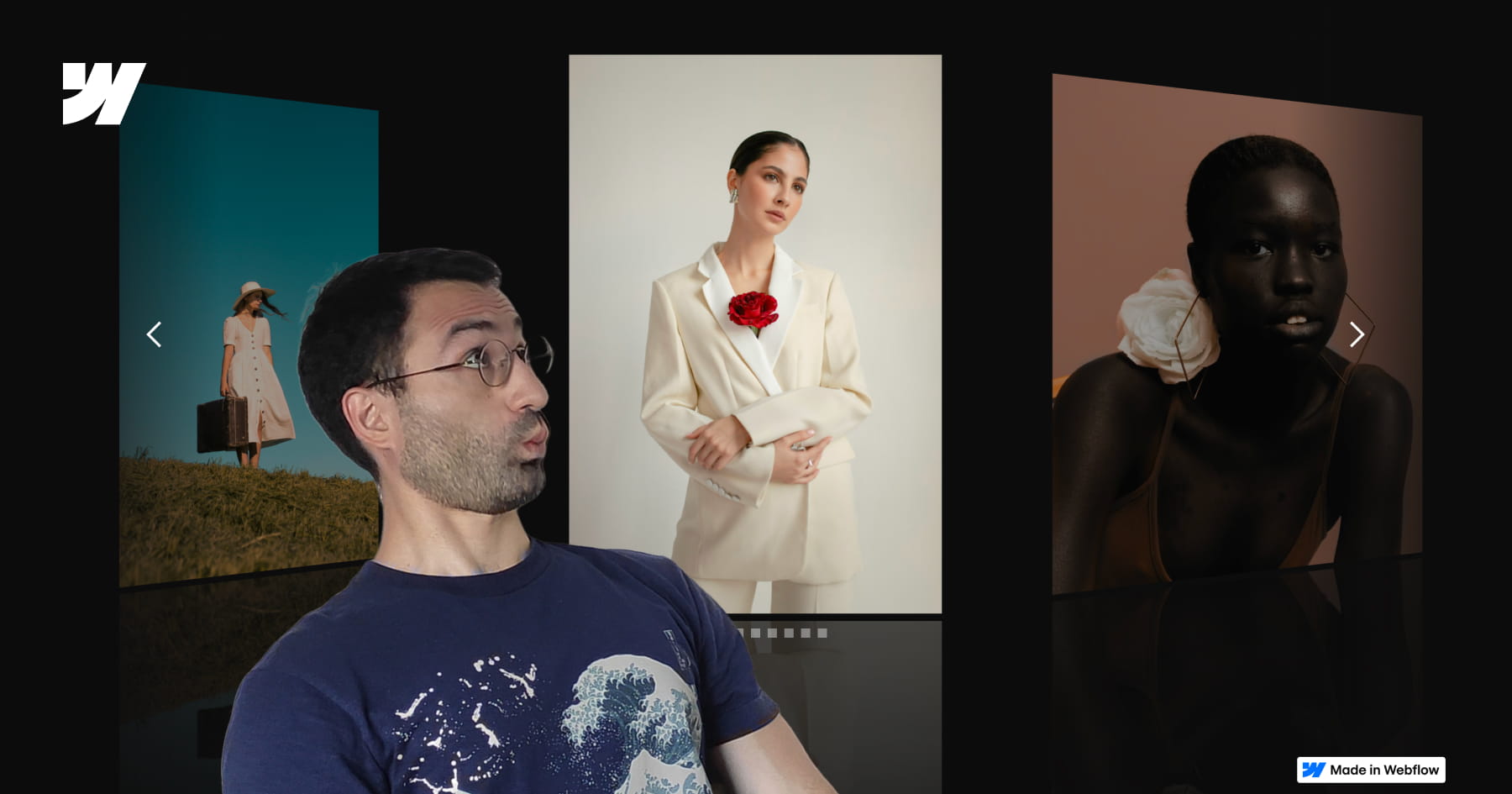
How to Build a Custom 3D CMS Slider in Webflow
This tutorial provides a comprehensive masterclass on constructing a premium, three-dimensional slider experience within Webflow, transcending standard layouts to achieve a sophisticated visual narrative. Starting with a static structure, the lesson systematically layers depth, motion, and interaction to create a slider where multiple slides are visible simultaneously, employing advanced perspective techniques and native Webflow tools. The objective extends beyond mere aesthetics, aiming to equip designers with a deep understanding of the underlying mechanics—specifically how choices in layout and interaction logic coalesce to form a cohesive, reusable system suitable for professional portfolios and featured content sections.
The technical core of the video focuses on the precise manipulation of the slider mask and CSS properties to achieve a realistic 3D effect. By reducing the mask width while keeping overflow visible, the viewer learns to display adjacent slides while maintaining precise one-by-one navigation control. The tutorial further elevates the design by implementing a custom CSS reflection effect and a complex "Slider Change" interaction involving rotation, scale, opacity, and saturation changes to distinguish active slides from the background.
Finally, the guide bridges the gap between static design and dynamic data by integrating Finssweet’s Attributes solution. This allows the sophisticated animation and structural logic designed for static elements to be seamlessly applied to a CMS-driven collection, ensuring the design is scalable for real-world client projects. The result is a fully responsive, immersive interface that balances visual polish with functional robustness, teaching users to think in systems rather than isolated animations.

How to Master Classes in Webflow
This video serves as a comprehensive technical guide to mastering classes in Webflow, moving beyond basic definitions to explore the "under the hood" mechanics of CSS styling. It addresses the common confusion surrounding class management by clarifying the precise differences between renaming, duplicating, and layering styles. The content is designed to dismantle misconceptions and provide a robust mental model for how styling rules propagate across a project, empowering designers to build with greater architectural precision and confidence.
The instruction utilizes a practical "outfit" analogy to distinguish between core operations: a base class acts as a reusable outfit, while operations like duplicating create independent clones, and combo classes serve as specific modifications tied to a parent style. The video further delineates the strategic hierarchy between local combo classes and global classes, explaining how to create universal utility styles that function across any element regardless of its existing styling.
Finally, the guide equips viewers with the technical foresight required for advanced implementation and custom coding. It details exactly how Webflow sanitizes class names for the live environment—converting text to lowercase, replacing spaces with hyphens, and stripping special characters to ensure CSS compatibility. By understanding these backend transformations, designers can produce cleaner codebases and seamlessly integrate custom CSS or JavaScript without encountering targeting errors.
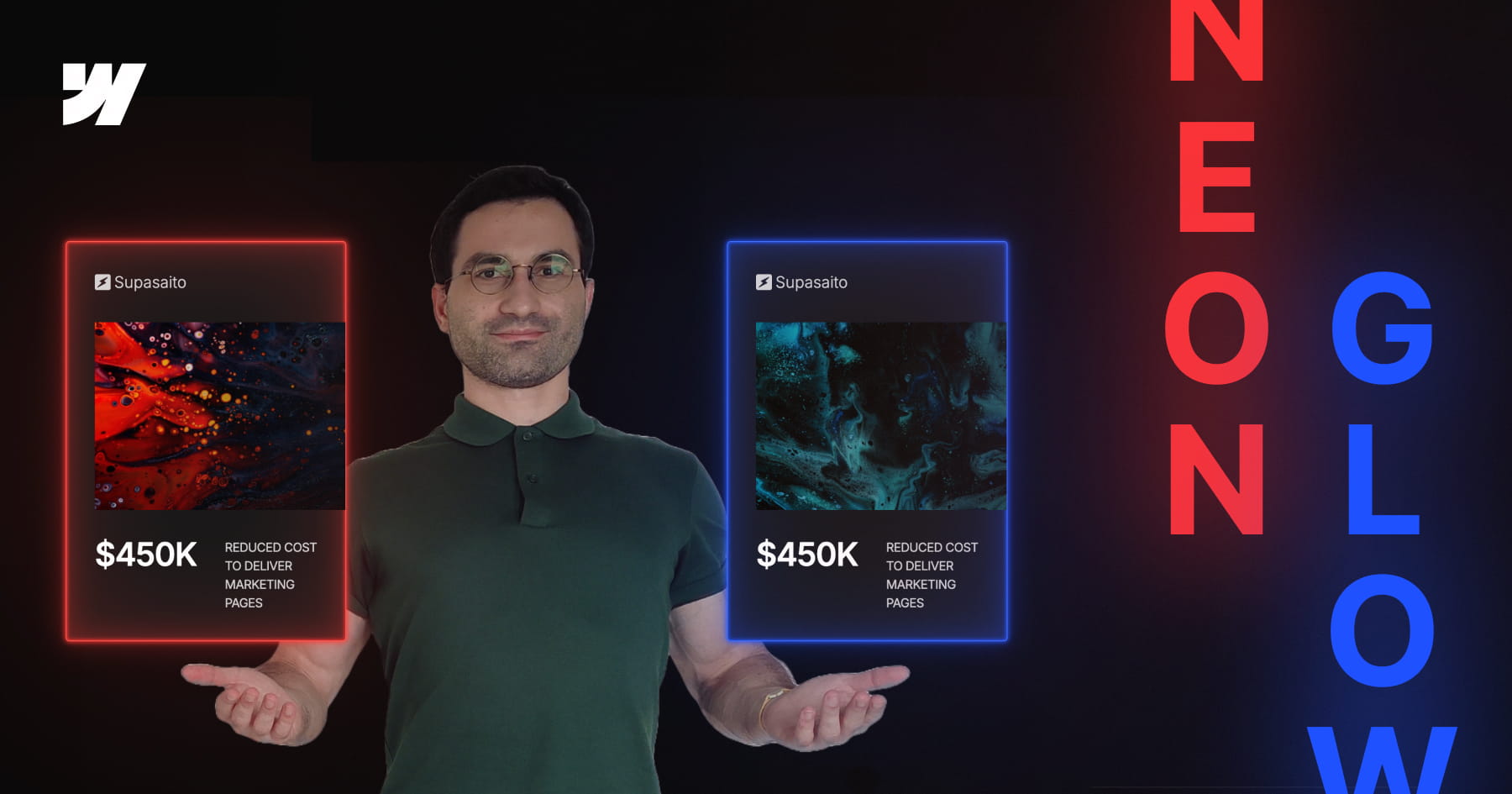
How to Build a Parametric Neon Glow Effect in Webflow
This tutorial invites designers to transcend static styling by building a parametric neon glow system within Webflow, recreating the retro-futuristic aesthetic of Webflow’s previous branding. Rather than manually assigning hex codes for every border and box shadow, the video demonstrates how to engineer a dynamic color architecture where a single "base" variable dictates the entire visual output. By mastering this approach, viewers move beyond simple visual replication to constructing intelligent design systems that are both scalable and mathematically consistent.
The technical core of this lesson focuses on the advanced application of CSS variables combined with the color-mix() function. Viewers will learn to establish a "source of truth" variable and mathematically derive supporting palettes—such as borders, strong glows, and soft diffused light—by mixing the base color with transparency in the perceptually uniform OKLCH color space. This technique ensures that all layers of the glow effect maintain perfect tonal harmony and saturation, regardless of the primary hue selected.
Finally, the tutorial bridges the gap between creative design and efficient development by integrating Webflow’s Variable Modes with Component Variants. While simple combo classes are discussed, the video advocates for a robust workflow where specific color themes (such as Pink, Gold, or Green) are encapsulated within component variants. This empowers designers to switch between complex color systems instantly on a per-instance basis, resulting in a maintainable, production-ready framework that adapts effortlessly to future design changes.
How to Master GSAP Staggered Animations and Split Text in Webflow
This advanced tutorial provides a comprehensive deep dive into mastering Webflow’s new GSAP-powered animation interface, moving beyond standard presets to unlock precise, high-performance motion design. The content guides users through the fundamental shift from classic interactions to the new system, specifically targeting the creation of sophisticated text reveals using custom CSS selectors. By focusing on a hero section case study, the video demystifies the complexities of the new UI, ensuring designers can build animations that are not only visually striking but technically sound.
Viewers will gain a granular understanding of the critical Stagger properties, specifically distinguishing between Offset Time and Total Time—a core concept for controlling animation rhythm. The instruction covers the implementation of the Split Text functionality to animate content by word or character, coupled with masking techniques that create professional "slide-up" reveals. Furthermore, the tutorial explores the From property to manipulate animation directionality (e.g., animating from the center or edges) and the often-overlooked Stagger Ease settings, which define the mathematical distribution of timing intervals.
By the conclusion of this lesson, learners will possess the technical confidence to engineer elegant, intent-driven animations without relying on guesswork. The tutorial ensures that users understand the "why" behind every setting—from opacity transitions to complex timeline distributions—empowering them to replicate high-end design aesthetics found on award-winning websites. This knowledge transforms static typography into dynamic, fluid experiences that elevate the overall user perception of a digital product.

How to Master Responsive Inner Grid Borders in Webflow
This tutorial provides a sophisticated yet streamlined solution for implementing responsive inner borders within Webflow grids, bypassing the platform's lack of native support for this specific styling. By leveraging a combination of the grid gap property—set to a minimal width like one pixel—and a contrasting background color on the parent container, designers can create clean, consistent dividers that function seamlessly across both static images and text elements. This approach offers a robust alternative to complex CSS workarounds, ensuring layouts remain maintainable and visually precise.
The guide moves beyond basic implementation to address critical responsive design challenges, specifically the visual imbalances that occur when column counts change across breakpoints. Viewers will learn to calculate and insert "placeholder" elements to fill orphaned grid cells, preventing unsightly gaps that reveal the underlying grid background color. The instructional content ensures that these structural adjustments do not negatively impact the layout on larger screens by utilizing display properties to hide placeholders where they are unnecessary.
Finally, the video emphasizes high-end professional standards by integrating accessibility best practices and dynamic Content Management System (CMS) logic. Users will master the use of custom attributes, such as aria-hidden="true", to ensure decorative placeholders are ignored by screen readers, thereby preserving a clean semantic structure. The tutorial concludes by demonstrating how to automate this logic within CMS collections using conditional visibility and custom sorting rules, guaranteeing that the design remains scalable and accessible.

How to Master CSS Positioning in Webflow
This comprehensive video tutorial provides a definitive guide to mastering Webflow’s position properties—Static, Relative, Absolute, Fixed, and Sticky—transforming a commonly confusing topic into a set of practical, actionable skills. By moving beyond abstract theory, the content deconstructs how elements behave within the document flow versus when they are removed from it, clarifying how offsets, stacking contexts, and parent containers interact to dictate layout structure. The instructor emphasizes that understanding these fundamental rules is essential for preventing common layout breaks and achieving pixel-perfect alignment.
The core instruction methodically explores each property's unique characteristics and use cases. Viewers learn how Static acts as the default "do nothing" state, while Relative unlocks offset capabilities and Z-index control without altering the surrounding layout flow. The video distinguishes these from Absolute and Fixed positioning, which remove elements from the document flow entirely; the former anchors to specific parent elements, while the latter anchors strictly to the user's viewport, enabling persistent UI elements like navigation bars. Finally, the tutorial covers the hybrid nature of Sticky positioning, including critical troubleshooting advice regarding ancestor overflow properties.
By the conclusion of this guide, the viewer will possess the technical confidence to execute complex design patterns, such as revealing footers, horizontally scrolling tables, and dynamic tables of contents. Users will be able to leverage positioning to create cleaner, more responsive layouts and diagnose alignment issues proactively. The material ensures that designers can purposefully manipulate the DOM structure to achieve sophisticated visual hierarchies rather than relying on guesswork.
%252010-yeaar-old%2520Daughter%2520-%2520YouTube%2520Cover.jpeg)
How to Understand Webflow Workspace Plans
Navigating Webflow’s pricing ecosystem can be notoriously complex, often causing confusion regarding the distinction between Workspace plans and Site plans. This video alleviates that friction by translating technical billing structures into an accessible narrative, utilizing a "Lego Store" metaphor where the Workspace is a building room and Site Plans are tickets required to publish creations. The content breaks down the entry-level "Starter Workspace," explaining how users can begin building for free with limited storage capacity ("shelves") for unhosted sites before needing to upgrade.
The analysis provides a granular look at team management, detailing the specific hierarchy of "Seats" available for collaboration. It distinguishes between free roles, such as Reviewers and Agency Guests—who must hold their own paid workspace—and paid roles like Designers that offer full administrative control. Furthermore, it clarifies the critical relationship between "shelving" projects and purchasing Site Plans; buying a Site Plan not only allows a project to go live ("take it home") but also frees up a slot in the workspace for new unhosted projects.
Ultimately, viewers will achieve a comprehensive understanding of how to scale their Webflow operations efficiently. By grasping the differences between Freelancer, Core, and Agency workspaces, users will learn how to unlock higher limits for unhosted sites and leverage specialized "Client Seats" for controlled external collaboration. This resource empowers freelancers and agencies to confidently select the correct billing architecture for their business model, moving beyond confusion to strategic implementation.