SVG Filter Effects in Webflow
.jpg)
Elevate your Webflow projects with premium, Apple-inspired UI interactions without relying on heavy external libraries. This course teaches you how to combine native Webflow tools, powerful SVG filters, and GSAP animations to create stunning liquid glass navbars, crystal buttons, and dynamic prism spotlight effects. Unlock the secrets to high-end web design and captivate your users with beautifully layered, interactive components.
Target Audience & Prerequisites
- Who is this for: Intermediate Webflow developers, UI/UX designers, and freelancers looking to level up their toolkit with premium, high-performance visual effects and custom coded interactions.
- Prerequisites:
- A solid understanding of Webflow's core interface (managing classes, positioning elements absolutely/relatively, and using native interactions).
- Basic comfort with copy-pasting and reading simple HTML/JS snippets via Webflow's Embed element.
What You Will Learn
- Build ultra-realistic, Apple-inspired liquid glass navbars using clever layout layering, backdrop filters, and SVG noise displacement.
- Master custom SVG filters by understanding how to implement and tweak primitives like
feDisplacementMap,feGaussianBlur, andfeColorMatrixdirectly in Webflow. - Animate high-end interactive components using GSAP timelines to create smooth, dramatic, and keyboard-accessible hover states for crystal buttons and prism effects.
- Design immersive, cursor-tracking spotlight effects using radial gradients and Webflow's native mouse-move interactions.
- Integrate lightweight JavaScript and custom CSS properties to link external textures and dynamically control advanced UI effects across multiple elements.
Difficulty Level
Intermediate
This rating is justified because the curriculum dives into complex technical concepts like custom SVG filters and GSAP animations, but remains accessible by providing ready-to-use code snippets and focusing on step-by-step native Webflow configurations rather than requiring heavy, from-scratch programming.
Detailed Course Breakdown
Are your Webflow sites feeling a bit too static? In today's competitive web design landscape, standard layouts aren't enough to stand out. Clients want that premium, interactive feel—like Apple's signature liquid glass UI or high-end dynamic hover states. However, building these custom visual effects usually means wrestling with complex, heavy code or bloated external libraries that can slow down your site's performance.
Enter "SVG Filter Effects in Webflow." In this hands-on learning path, we demystify the magic behind premium UI components. You will start by mastering clever structural layering techniques and subtle box shadows to create realistic depth. From there, we dive deep into the world of custom SVG filters, showing you exactly how to apply displacement maps, Gaussian blurs, and color matrices directly inside Webflow using simple HTML embeds. Finally, we will bring your creations to life using GSAP and Webflow's native interactions to craft buttery-smooth hover states and interactive, cursor-following animations.
By the end of this course, you won't just be copying and pasting code; you will understand exactly how these SVG filters and GSAP timelines work under the hood so you can customize them to your own taste. You will transform from a standard Webflow developer into an interactive design specialist capable of building jaw-dropping liquid glass navbars, refractive crystal buttons, and immersive prism spotlight effects. Stop settling for basic design and start building high-end, award-winning web experiences today.
FAQs
Do I need advanced coding skills to follow this Webflow learning path?
Not at all. While these tutorials utilize powerful tools like GSAP and custom SVG filters, the approach requires minimal to no heavy coding. You will mostly rely on native Webflow tools and simply copy and paste small, provided code snippets from cloneable projects.
What specific real-world components will I be able to build afterward?
You will be equipped to construct premium, highly interactive UI components that elevate modern portfolios and sites. Specific outcomes include an Apple-inspired liquid glass navbar, a crystal button with GSAP hover animations, and an interactive hero section featuring a cursor-tracking spotlight and prism effect.
How does this curriculum differ from basic Webflow tutorials?
Instead of just teaching static layout creation, this path focuses on advanced visual engineering by blending native Webflow interactions with custom SVG filters and GSAP timelines. It also thoroughly explains the "why" behind the parameters, giving you the deep understanding needed to fully customize the effects yourself.
What is the expected difficulty level and time commitment?
The curriculum is geared toward intermediate design goals but is broken down step-by-step to remain highly accessible. Because each lesson provides cloneable assets for the complex setups, you can jump straight into the visual magic and complete each project in a single, focused sitting.
Lessons
How to Create Advanced Spotlight and Prism Hover Effects in Webflow
This masterclass offers a comprehensive guide to constructing a sophisticated, interactive hero section within Webflow, bridging the gap between no-code design and custom development. The tutorial moves beyond standard layouts to implement a dynamic "spotlight" effect that tracks user cursor movement, creating an immersive focal point for portfolio or landing page designs. By layering distinct interaction models, the viewer learns to manipulate the DOM structure—specifically utilizing relative and absolute positioning—to ensure visual elements stack correctly while maintaining responsiveness across viewports.
The instructional value deepens as it introduces a hybrid approach to animation, combining Webflow’s native "Classic" interactions with the platform’s newer GSAP-powered capabilities. Viewers are guided through the logic of radial gradients to simulate lighting, using precise viewport-based units to synchronize the spotlight's movement with the mouse cursor. Furthermore, the lesson addresses critical edge cases in interaction design, such as preventing layout breakage when animated elements reach the viewport boundaries, by employing advanced sizing and offset techniques.
Finally, the tutorial elevates the design by integrating custom code and SVG filters to achieve a premium "prism" distortion effect. Viewers will acquire practical experience in embedding HTML to define complex filters (specifically manipulating RGB channels via feColorMatrix and feOffset) and writing JavaScript to animate these parameters. The result is a professional-grade asset that demonstrates how to seamlessly blend standard Webflow visual development with the power of GreenSock (GSAP) timelines for bespoke, high-performance web experiences.

How to Create an Animated Glassy Button with SVG & GSAP in Webflow
This masterclass guides Webflow developers through the advanced construction of a "crystal glass" button that dynamically refracts background content to mimic physical optical properties. By moving beyond standard CSS styling, the tutorial demonstrates how to leverage SVG filters—specifically using displacement maps—to create a sophisticated translucent interface element that reacts organically to the scrolling content beneath it.
The technical implementation focuses on embedding global SVG definitions and linking them to UI components via the backdrop-filter property, a technique that allows for complex pixel distortion and blurring. The lesson details the critical role of JavaScript in loading external displacement textures to feed the SVG primitives, ensuring the refractive effect is rendered consistently across different browsers.
Finally, the tutorial elevates the component from a static visual to a tactile interactive element using GSAP (GreenSock Animation Platform). Viewers will learn to build accessible animation timelines that transition the button from a "soft glass" resting state to a "sharp ice" active state upon hover, while also mastering the architecture needed to scale this effect across multiple button instances and pages.
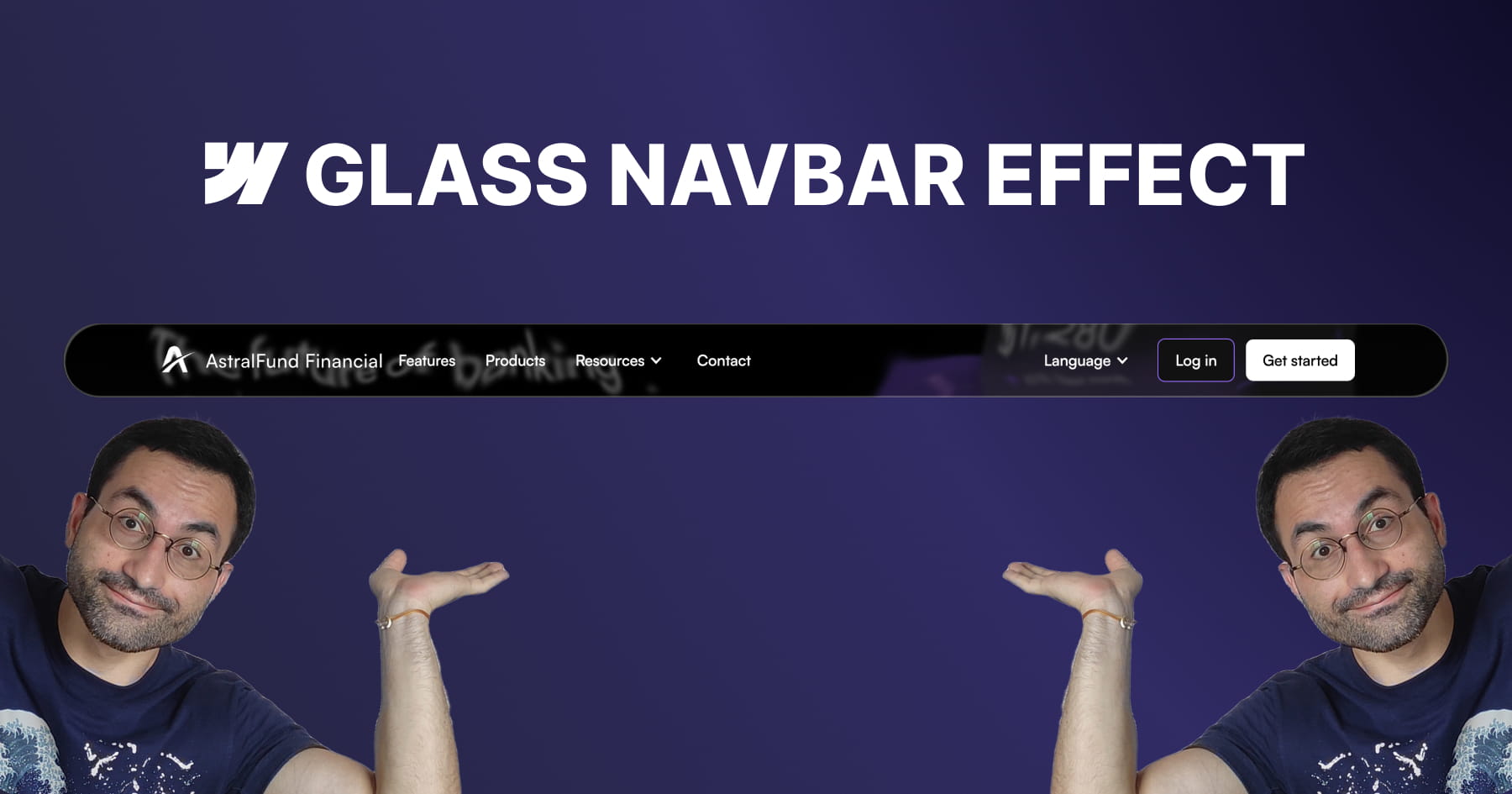
How to Build an Apple-Inspired Liquid Glass Navbar in Webflow
This tutorial provides a comprehensive guide for Webflow developers seeking to replicate Apple’s sophisticated "liquid glass" user interface effect, a design trend characterized by smooth distortion and organic fluidity. The core value of this lesson lies in its accessibility; the instructor demonstrates that achieving this high-end aesthetic does not require heavy external libraries or complex Javascript. Instead, viewers learn to leverage native Webflow elements combined with a lightweight SVG filter to create a professional, performance-friendly visual component that elevates modern UI designs.
The methodology detailed in the video centers on mastering advanced layering techniques to simulate physical glass properties. Viewers are guided through constructing a structured navigation bar containing three distinct layers: one for the blur and distortion, one for a subtle color tint, and a final layer for "shine" using inner box shadows. Crucially, the tutorial demystifies the use of SVG filters, teaching users how to embed custom code to generate a displacement map. This allows for fine-grained control over the distortion effects, enabling the background content to warp organically as it scrolls beneath the navigation bar.
By the conclusion of this module, the viewer will have achieved a fully functional, responsive, and sticky navigation bar that mimics the premium "frosted" look of Apple's recent design language. Beyond the specific effect, the video instills transferable best practices for scalable web design, such as using "inherit" values for border radii to ensure internal layers automatically adapt to their parent containers. Users will walk away with the confidence to manipulate SVG code parameters—specifically scale and turbulence—to customize visual distortions for future creative projects.