GSAP Animations & Integrations in Webflow
.jpg)
Unlock the power of advanced web animation without writing complex code by mastering GSAP integrations in Webflow. Build immersive, high-performance interactions—from Apple-style scroll sequences to dynamic hover effects—using simple, attribute-based solutions. Elevate your web development skills and captivate your audience today by enrolling in this comprehensive learning path.
Target Audience & Prerequisites
- Who is this for: Intermediate Webflow developers, freelance web designers, and agency owners looking to elevate their sites with premium, high-performance GSAP animations without needing to write complex JavaScript.
- Prerequisites: A basic understanding of Webflow's core designer interface (such as CSS classes, layouts, and custom attributes) and a free Webflow account. No prior JavaScript or coding experience is required!
What You Will Learn
- Build complex, scroll-triggered image sequences and dynamic disintegration effects using simple HTML attributes.
- Master GSAP's split-text and staggered animations to create dynamic, cinematic typography reveals directly inside Webflow's new interaction UI.
- Design highly interactive elements, including swipeable draggable CMS cards, custom cursor followers, and dynamic image trail effects.
- Integrate advanced SVG filters—like glassy displacement maps and multi-channel prism effects—with GSAP hover interactions for premium visual styling.
- Implement seamless, low-code workflows leveraging the Webflow API to retrieve assets and manage heavy animation logic behind the scenes.
Difficulty Level
Difficulty Level: Intermediate
Justification: Although the curriculum provides a plug-and-play, "no-code" approach, it requires a working familiarity with concepts like relative and absolute CSS positioning, configuring custom HTML attributes, and utilizing external tools like Postman for API requests.
Detailed Course Breakdown
Building interactive, jaw-dropping animations often requires deep JavaScript knowledge, leaving many Webflow developers feeling restricted by native tools. You want to create premium, award-winning experiences like Apple-style image sequences, interactive glassy buttons, and dynamic cursor trails, but the code barrier holds you back.
"GSAP Animations & Integrations in Webflow" bridges that gap by providing a completely no-code, attribute-driven approach to complex animations. Throughout this hands-on journey, you will learn to harness the power of GreenSock (GSAP) combined with Webflow's native UI and custom attributes. You will build real-world projects, including staggered text effects, draggable CMS-friendly cards, mesmerizing SVG filters, and scroll-triggered disintegration effects—all without writing a single line of JavaScript.
By the end of this learning path, you'll be transformed from a standard Webflow user into a high-end interaction designer. You will possess a versatile toolkit of copy-paste solutions and a deep understanding of how to manipulate GSAP attributes to control timing, easing, and offsets. This course empowers you to build immersive, high-performance websites that stand out in the modern digital landscape.
FAQs
Do I need to know how to code to follow this curriculum?
No coding experience is required. The entire path focuses on "No-Code" and "Attributes-Only" solutions to create advanced animations. You will achieve complex GSAP effects simply by copying provided scripts and applying custom HTML attributes directly inside Webflow.
What is the difficulty level and expected time commitment?
While the final designs look highly advanced, the lessons are structured to be simple, plug-and-play, and accessible to everybody. Because the heavy JavaScript lifting is already done for you via readymade scripts, you can implement and customize these cinematic effects in just minutes.
What specific, real-world projects will I be able to build afterward?
You will be able to build premium, production-ready components that elevate standard websites into award-winning experiences. Your portfolio will include Apple-style image sequence scroll animations, CMS-powered draggable cards, spotlight effects, and glassy crystal buttons using SVG filters.
How does this learning path differ from basic Webflow tutorials?
Unlike basic tutorials that rely on pre-made shortcuts (like uploading a Lottie file), this curriculum teaches you how to build native, highly customizable effects from scratch. You receive fully clonable projects and gain a deep understanding of how GSAP timelines and SVG filters actually work under the hood.
Can I use these effects on real client sites with dynamic content?
Yes, these solutions are built for real-world application and are fully CMS-friendly. You will learn how to seamlessly apply drag interactions, image trails, and GSAP staggered animations directly to Webflow Collection Lists for dynamic, client-ready websites.
Lessons

How to Build a Swiss Style Poster Animation in Webflow with GSAP
This tutorial provides a comprehensive guide on transforming a static, modernist Swiss poster into a dynamic, cinematic web experience using Webflow and GSAP. The core value lies in bridging the gap between graphic design and interaction development, teaching viewers not just how to build a layout, but how to breathe life into it with sophisticated motion. By following this workflow, designers and developers will master the art of recreating print aesthetics—specifically the balance and composition of Swiss Style—within a responsive digital environment.
The instructional journey begins with a robust structural setup, utilizing Flexbox and precise absolute positioning to layer elements like the central "JM" typography and the letter "A". A significant portion of the training focuses on advanced SVG integration, demonstrating how to use Figma to create boolean vector shapes for clip-paths and, crucially, how to normalize these paths for use in CSS. This technical deep dive ensures that intricate cutout effects scale perfectly across different viewport sizes without losing fidelity.
Ultimately, the viewer will achieve a production-ready build characterized by professional polish. Beyond the layout, the video demystifies GSAP animations, creating complex "slide-mask" illusions where elements move in opposing directions to simulate depth and masking. The tutorial concludes by addressing critical implementation details often overlooked, such as resolving sub-pixel rendering artifacts and preventing "Flash of Unstyled Content" (FOUC) on page load, ensuring the final result is flawless and performant.
How to Create Advanced Spotlight and Prism Hover Effects in Webflow
This masterclass offers a comprehensive guide to constructing a sophisticated, interactive hero section within Webflow, bridging the gap between no-code design and custom development. The tutorial moves beyond standard layouts to implement a dynamic "spotlight" effect that tracks user cursor movement, creating an immersive focal point for portfolio or landing page designs. By layering distinct interaction models, the viewer learns to manipulate the DOM structure—specifically utilizing relative and absolute positioning—to ensure visual elements stack correctly while maintaining responsiveness across viewports.
The instructional value deepens as it introduces a hybrid approach to animation, combining Webflow’s native "Classic" interactions with the platform’s newer GSAP-powered capabilities. Viewers are guided through the logic of radial gradients to simulate lighting, using precise viewport-based units to synchronize the spotlight's movement with the mouse cursor. Furthermore, the lesson addresses critical edge cases in interaction design, such as preventing layout breakage when animated elements reach the viewport boundaries, by employing advanced sizing and offset techniques.
Finally, the tutorial elevates the design by integrating custom code and SVG filters to achieve a premium "prism" distortion effect. Viewers will acquire practical experience in embedding HTML to define complex filters (specifically manipulating RGB channels via feColorMatrix and feOffset) and writing JavaScript to animate these parameters. The result is a professional-grade asset that demonstrates how to seamlessly blend standard Webflow visual development with the power of GreenSock (GSAP) timelines for bespoke, high-performance web experiences.

How to Create an Animated Glassy Button with SVG & GSAP in Webflow
This masterclass guides Webflow developers through the advanced construction of a "crystal glass" button that dynamically refracts background content to mimic physical optical properties. By moving beyond standard CSS styling, the tutorial demonstrates how to leverage SVG filters—specifically using displacement maps—to create a sophisticated translucent interface element that reacts organically to the scrolling content beneath it.
The technical implementation focuses on embedding global SVG definitions and linking them to UI components via the backdrop-filter property, a technique that allows for complex pixel distortion and blurring. The lesson details the critical role of JavaScript in loading external displacement textures to feed the SVG primitives, ensuring the refractive effect is rendered consistently across different browsers.
Finally, the tutorial elevates the component from a static visual to a tactile interactive element using GSAP (GreenSock Animation Platform). Viewers will learn to build accessible animation timelines that transition the button from a "soft glass" resting state to a "sharp ice" active state upon hover, while also mastering the architecture needed to scale this effect across multiple button instances and pages.
How to Master GSAP Staggered Animations and Split Text in Webflow
This advanced tutorial provides a comprehensive deep dive into mastering Webflow’s new GSAP-powered animation interface, moving beyond standard presets to unlock precise, high-performance motion design. The content guides users through the fundamental shift from classic interactions to the new system, specifically targeting the creation of sophisticated text reveals using custom CSS selectors. By focusing on a hero section case study, the video demystifies the complexities of the new UI, ensuring designers can build animations that are not only visually striking but technically sound.
Viewers will gain a granular understanding of the critical Stagger properties, specifically distinguishing between Offset Time and Total Time—a core concept for controlling animation rhythm. The instruction covers the implementation of the Split Text functionality to animate content by word or character, coupled with masking techniques that create professional "slide-up" reveals. Furthermore, the tutorial explores the From property to manipulate animation directionality (e.g., animating from the center or edges) and the often-overlooked Stagger Ease settings, which define the mathematical distribution of timing intervals.
By the conclusion of this lesson, learners will possess the technical confidence to engineer elegant, intent-driven animations without relying on guesswork. The tutorial ensures that users understand the "why" behind every setting—from opacity transitions to complex timeline distributions—empowering them to replicate high-end design aesthetics found on award-winning websites. This knowledge transforms static typography into dynamic, fluid experiences that elevate the overall user perception of a digital product.

How to Build GSAP Draggable Cards in Webflow
This instructional module provides a comprehensive framework for engineering high-fidelity "swipe-to-toss" interactions within Webflow, replicating the tactile engagement found in physical card decks or instant photo galleries. By leveraging a "no-code" attribute-based system, the tutorial bridges the gap between complex JavaScript animation and visual development, enabling designers to implement sophisticated drag physics without writing code from scratch. The core value lies in its ability to transform static layouts into dynamic, satisfying user experiences suitable for portfolios and product showcases.
Viewers will learn to architect a robust HTML structure that manages absolute positioning and overflow behaviors to ensure a polished, glitch-free interface. The guide details the precise implementation of custom attributes (such as fc-dragable-card) to link UI elements—including wrappers, cards, and reset triggers—to the underlying interaction script. Furthermore, the specific configuration of CSS properties, such as pointer-events, is explained to ensure that the interactive stack does not obscure underlying functional elements like buttons.
By the conclusion of this lesson, users will achieve a fully scalable solution that integrates seamlessly with Webflow CMS Collections, utilizing structural selectors to apply dynamic styling variances like card tilt. The resulting component is fully responsive, optimizing the experience for mobile devices by adjusting wrapper dimensions and border styles. Additionally, users will understand how to granularly customize the interaction's physics—modifying rotation sensitivity, throw distances, and easing functions—through simple attribute adjustments to match their specific brand aesthetic.
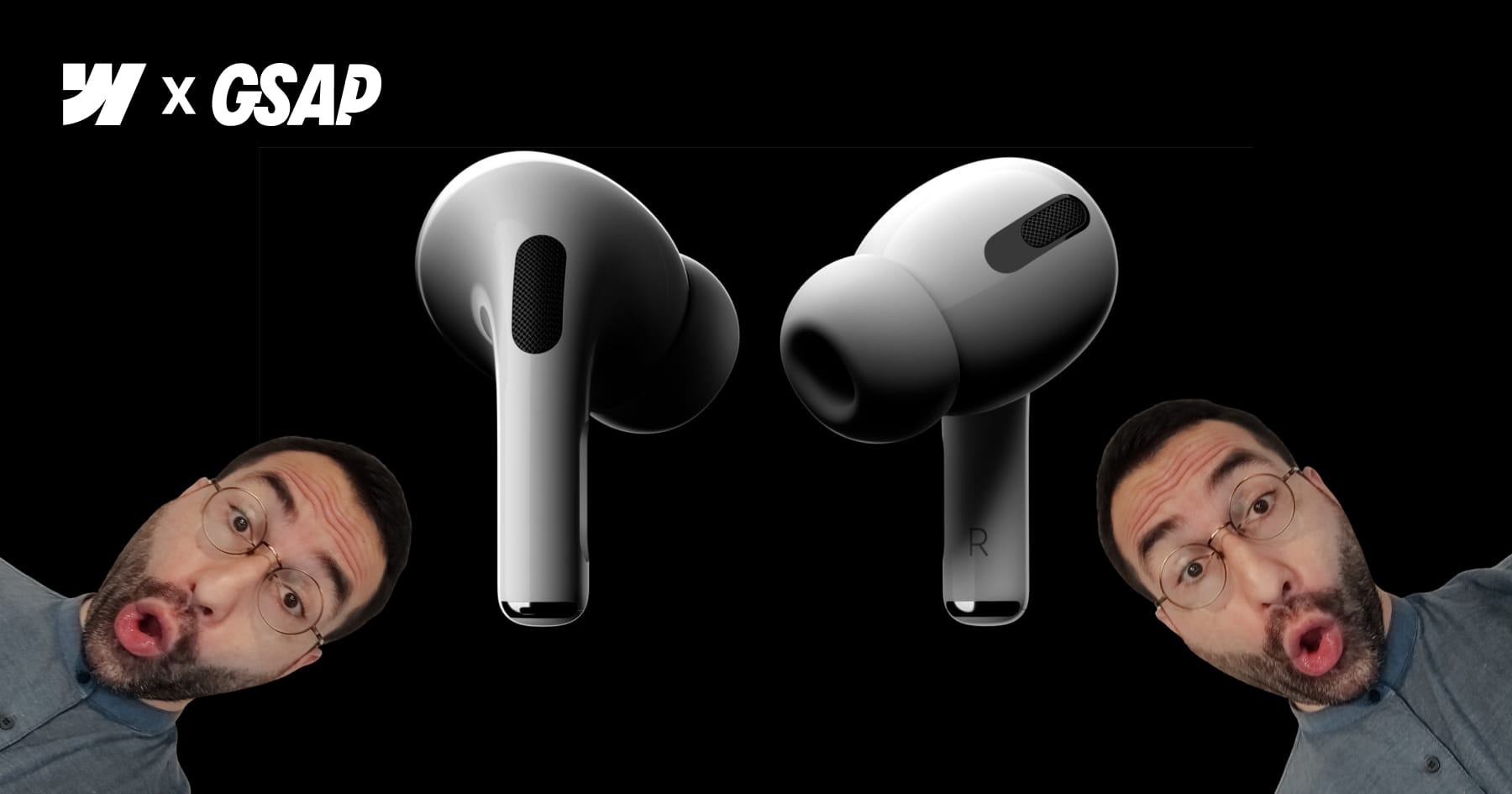
How to Build an Apple-Style Image Sequence Animation in Webflow
This tutorial empowers web designers to replicate the iconic, fluid scroll animation found on the original Apple AirPods Pro landing page, moving beyond common shortcuts like Lottie files to rebuild the effect from first principles using Webflow and GSAP ScrollTrigger. The core value lies in its comprehensive, high-fidelity workflow: rather than relying on video tags, the user learns to manipulate a sequence of approximately 150 high-resolution frames that update dynamically with the user's scroll, ensuring a "perfectly fluid movement" that feels interactive and premium. This approach grants designers total control over the visual progression and performance of the animation without sacrificing quality.
The instructional journey bridges the gap between design and development by introducing a sophisticated asset management strategy. Viewers achieve proficiency in a complete "no-code" friendly pipeline that includes extracting frames from video sources, compressing them into efficient AVIF formats, and—most critically—leveraging the Webflow API via Postman to automate the retrieval of asset URLs. This eliminates the tedious and error-prone process of manually copying hundreds of file links, providing the user with a scalable, reusable method for accessing project assets programmatically.
By the conclusion of this masterclass, the viewer will have implemented a fully responsive, accessible scroll-scrubbing component using HTML5 Canvas and sticky positioning. The final architecture allows for extensive customization through simple HTML attributes, enabling designers to control parameters such as playback speed, start/end trigger points, and image fitting (cover vs. contain) across different device breakpoints. The result is a professional-grade, highly optimized interaction that enhances user engagement while adhering to inclusive design standards.
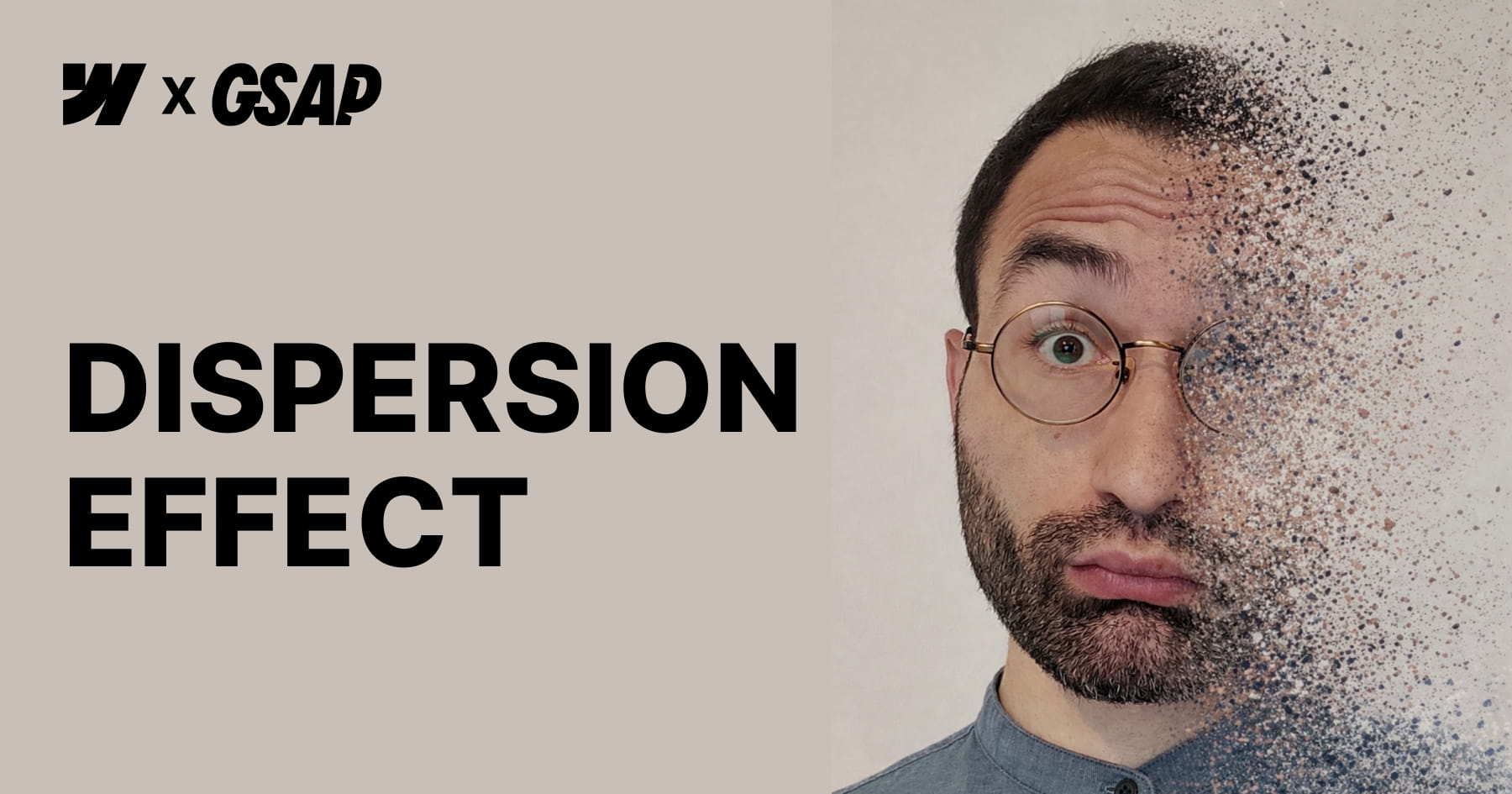
How to Create a GSAP Disintegration Effect in Webflow
This tutorial empowers Webflow developers to implement a high-impact "disintegration" visual effect powered by GSAP ScrollTrigger, designed to elevate the visual storytelling of a website without requiring manual JavaScript coding. The core value of this resource lies in its "low-code" architecture; viewers will achieve a cinematic animation where images fragment into particles upon scroll simply by applying specific custom attributes to standard HTML elements or CMS content. By abstracting complex logic—such as html2canvas snapshotting and pixel manipulation—into a configurable script, the video enables designers to focus purely on visual implementation and layout strategy.
Viewers will gain a comprehensive understanding of how to configure and control the animation's behavior directly within the Webflow Designer. The tutorial details how to manipulate specific parameters through optional attributes, allowing for precise control over the rotation angle, particle scatter amplitude, and the exact scroll start and end triggers. Furthermore, the guide emphasizes the critical structural requirements necessary for the effect to function, such as utilizing non-static positioning for parent components and managing overflow settings to prevent layout issues as fragments disperse.
Finally, the video ensures the resulting designs are production-grade by addressing performance optimization and accessibility standards. Users will learn strategies to mitigate the high computational cost of the effect—such as limiting usage to key visuals and optimizing image resolution—while verifying that screen readers can still access "alt" text even after the image is converted into canvas elements. The session concludes by demonstrating how to harmoniously layer this custom effect with native Webflow interactions, resulting in a cohesive and sophisticated motion system.
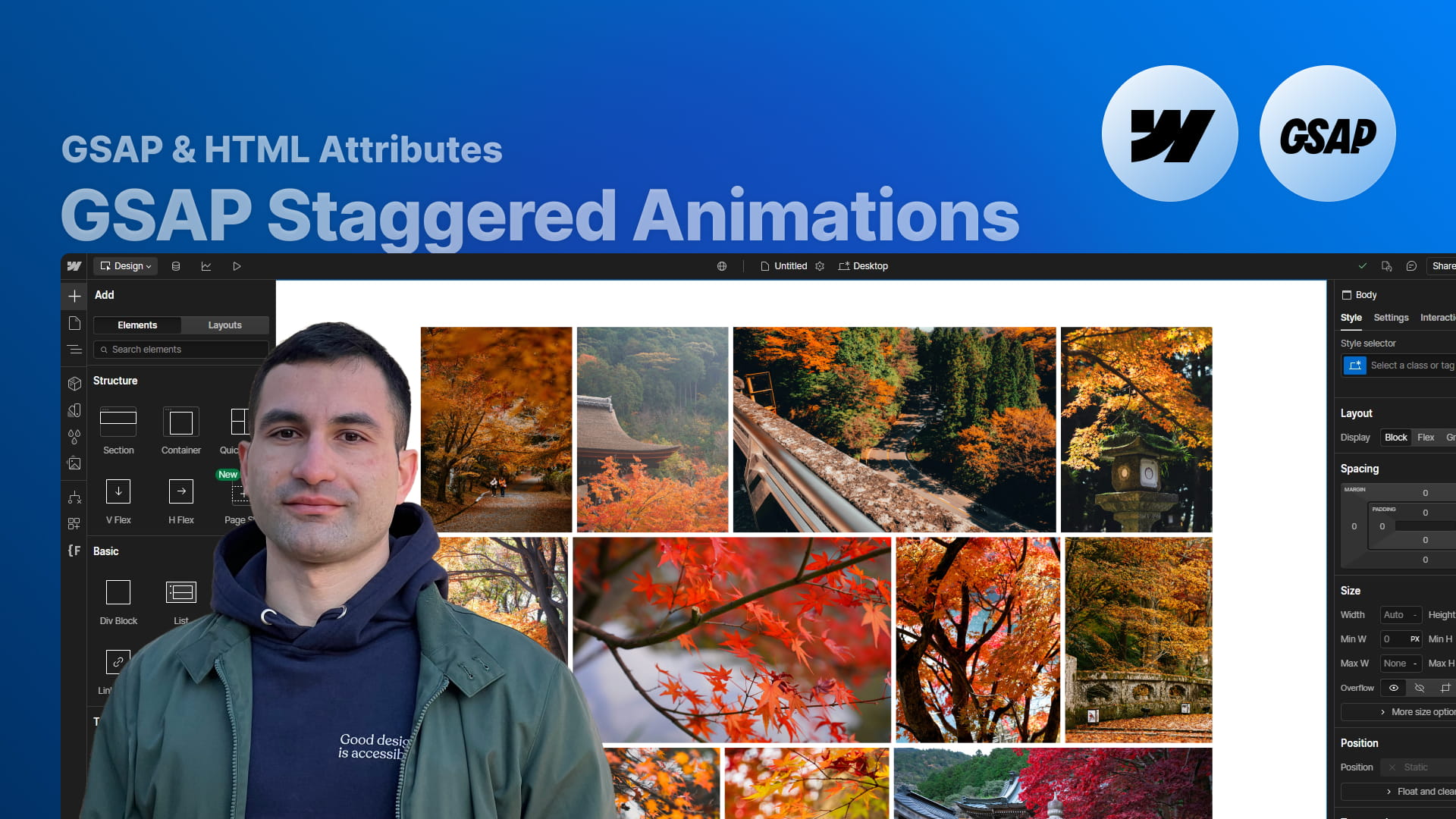
How to Create No-Code GSAP Staggered Animations in Webflow
This tutorial presents a powerful, no-code methodology for integrating GreenSock Animation Platform (GSAP) staggered animations directly into Webflow projects. By leveraging a specific set of custom attributes, designers can apply sophisticated slide and fade effects to gallery layouts or collection lists without writing a single line of JavaScript. The core instruction focuses on applying the primary fc-gsap-stagger attribute to a parent wrapper, instantly enabling complex motion effects that are traditionally reserved for advanced developers.
The true value of this approach lies in the granular control it provides over the animation's behavior and timing. Viewers are equipped with the knowledge to manipulate critical variables such as the vertical offset, animation duration, easing functions, and the specific time interval between elements using attributes like each or amount. Furthermore, the system supports advanced sequencing capabilities, enabling animations to originate from various starting points—such as the center, edges, or a randomized order—providing significant creative freedom to match specific design requirements.
Ultimately, this solution is designed for high scalability and versatility across diverse site architectures. The tutorial demonstrates that the attributes function flawlessly with multiple unique lists on a single page, Webflow CMS collections, and complex custom grid layouts. By mastering these techniques, users will achieve a high-end, interactive aesthetic for portfolios, testimonial sections, or content lists, significantly elevating the user experience through professional-grade motion design.